Guides · Garmin not counting treadmill steps
Garmin not counting steps on the treadmill? Here is whose number is short
You walk 45 minutes at 3.2 on a treadmill desk, typing the whole time, and your Garmin shows far fewer steps than 45 minutes on the belt should give. The display says 2.4 miles, and now you wonder which number is wrong.
Your Garmin can count fewer steps on a treadmill because it counts your wrist's motion. Garmin's running manuals say its indoor miles come from that wrist too. By our reasoning, hands on the rails or a keyboard can shorten both together, so their agreement proves nothing. Nothing checks the display's miles.
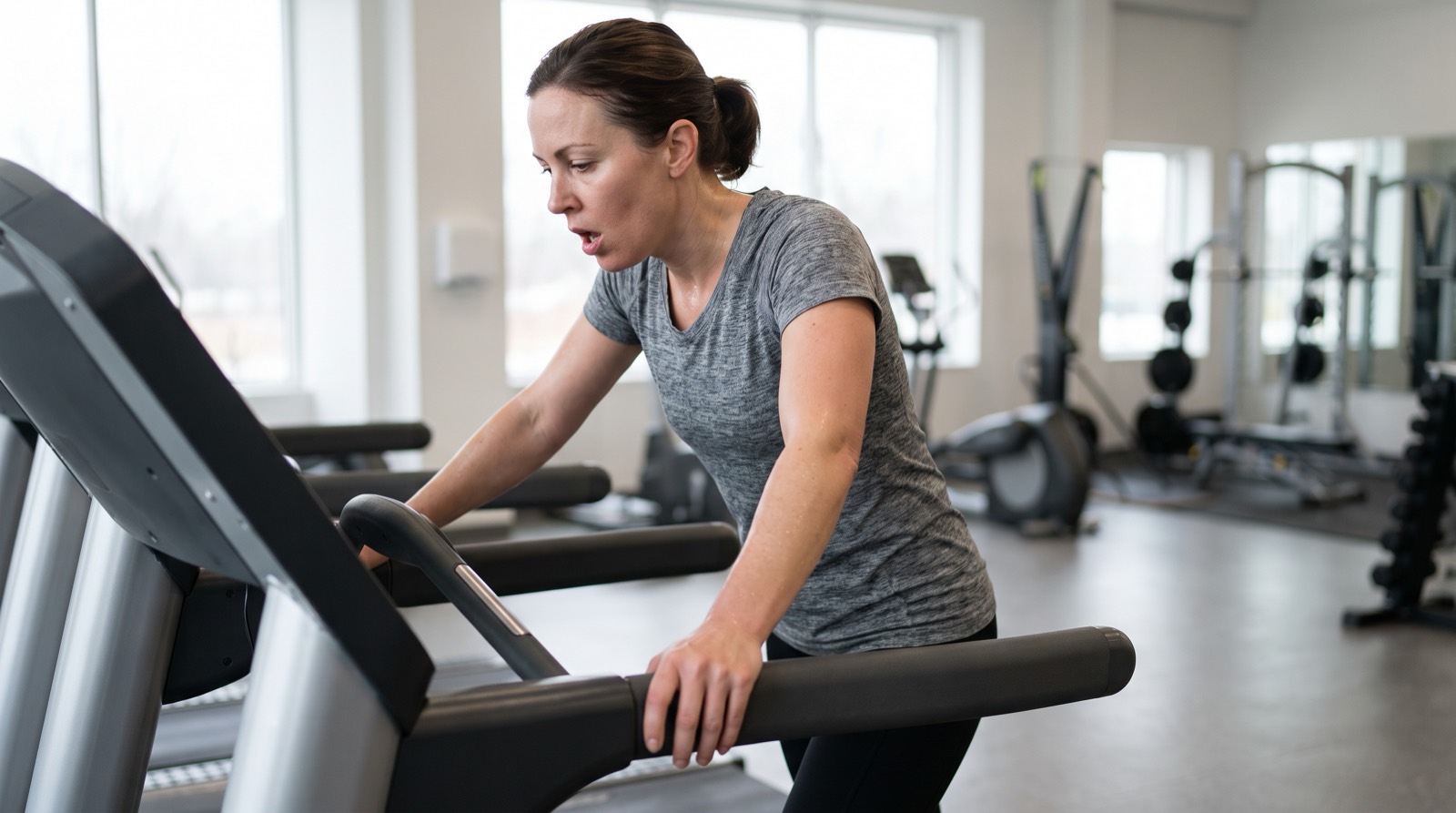
Your steps and your watch's miles come from one wrist
Garmin's tips for a step count that looks wrong all point at your arm. They cover which wrist you wear the watch on, keeping it in a pocket when you push a stroller or work with your hands, and a note that folding laundry or clapping can register as steps. The count follows your wrist's motion.
The miles do too. Garmin's running watch manuals say that indoors, with GPS turned off, the watch works out speed and distance from its motion sensor, unless a foot pod or a heart rate strap supplies the pace. Holding the handrails, Garmin adds, reduces accuracy.
Garmin's step-count tips never mention treadmills, so what follows is our reasoning. Your step count and your watch's indoor miles are one witness telling the same story twice. When both look short, you have no second opinion.
Picture counting a friend's steps from across the room by watching their arms swing. When they slide their hands into their pockets, you lose count, even though their feet never stopped. If you were also judging how far they walked from that count, you lose the distance in the same moment.
What still hands do to both numbers
Gripping the rails or typing at a treadmill desk is, by our reasoning, the stroller case again, because your hands stay fixed while your legs keep walking. With your arms swinging, the count holds up well, as our guide on whether a treadmill counts as steps explains.
| Your hands | What your wrist feels | Steps and miles on your watch |
|---|---|---|
| Swinging free | A normal walking swing | The count holds up. The miles still rest on the watch's guess at your stride. |
| On the rails half the time | Swing for half the walk, almost nothing for the rest | Both can come up short, mostly in the still half. |
| On a keyboard the whole time | Typing, not walking | Both can come up far short. |
The bigger trap comes after the walk. When you save a treadmill calibration, you type in the display's distance and the watch adjusts itself to match. On a still-hands day, it may stretch its stride to cover motion it never felt. On your next walk with your arms swinging, that stretched stride could make the miles read long. Our guide to how Garmin's treadmill calibration works covers the rest.
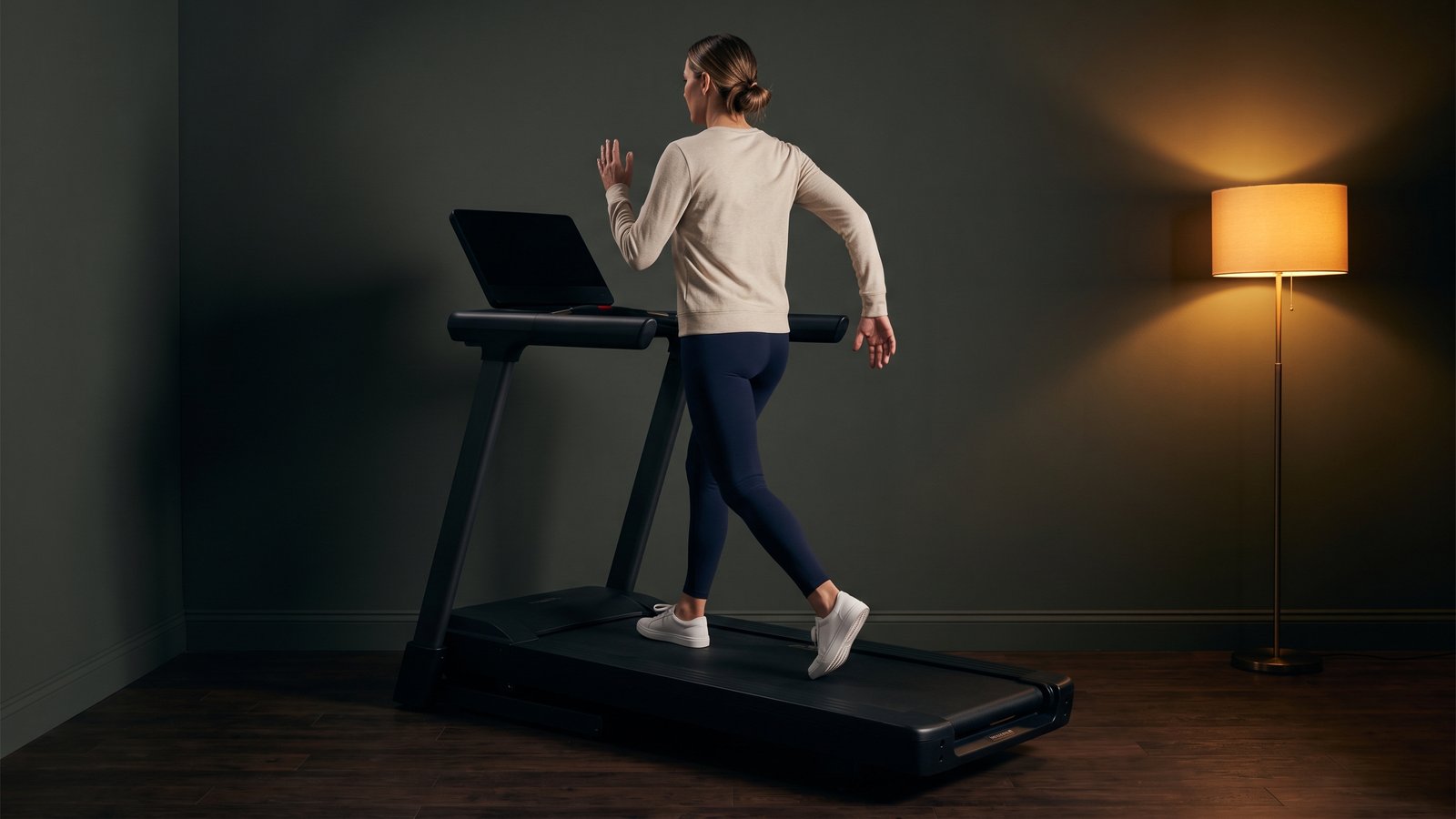
Whose number is short?
Garmin says holding the rails makes your watch's treadmill numbers less accurate, and our reasoning is that on a still-hands day they run short. The display gives you miles for the speed you chose, and nothing on it lets you check whether the belt kept that speed.
A lab study of four treadmills found the belts, on average, ran at about 98 to 103 percent of the speed they were set to. Take a made-up belt at the slow end of that span, 2 percent slow. Five 2.4 mile desk walks in one week, logged off the display, add up to 12.0 miles, and you really walked about 11.76. If you were walking toward a weekly miles goal, you missed it by about a quarter mile, and nothing on the machine would tell you.
If your Garmin and the display argue about pace too, our guide on a Garmin pace that does not match the treadmill takes that question.
Check the belt the miles come from
Your wrist makes your step count and your watch's miles. The miles you actually walked depend on the belt, so check the belt. You can do it in one of three ways.
- A handheld tachometer pressed to the belt is the most direct check of the three. You buy it, and it is one more thing to carry to the gym.
- With a stopwatch and the belt's length you can time belt laps for free. Our guide to testing a treadmill shows how, and it puts nothing on the belt.
- Treadwell runs on an iPhone Pro. At your usual walking speed, stand beside the machine and point the phone at the belt. The camera and LiDAR sensor read the belt's speed, not your wrist.
Treadwell will not fix a short step count. It tells you whether the belt really runs at the speed the display shows when you walk, so the walks you log are ones you can believe.
Find out if your desk-walk miles are real
Measure the belt once at the speed you usually walk. Treadwell needs an iPhone Pro, because it reads the belt with the camera and LiDAR sensor.
 Scan with your iPhone Pro to get the app
Quick answers
Why is my Garmin not counting steps on the treadmill? Your Garmin can count fewer steps on a treadmill because it counts your wrist's motion. Garmin's running manuals say its indoor miles come from that wrist too. By our reasoning, hands on the rails or a keyboard can shorten both together, so their agreement proves nothing. Nothing checks the display's miles.
Does Garmin count treadmill steps if I hold the rails? Garmin says holding the handrails reduces the accuracy of a treadmill run's speed and distance. It does not say what happens to the step count. Our reasoning is that fixed hands give the watch less motion to count, the same way pushing a stroller does.
Is the treadmill's distance or my Garmin's distance right? Neither one is checked against the belt. On a day your hands held the rails, Garmin says your watch's treadmill numbers are less accurate, and we think they run short. The display gives you miles for the speed you chose, with nothing to check that the belt kept it, so it can be off in either direction.
Will calibrating my Garmin fix a low step count? Garmin describes treadmill calibration as a way to record more accurate distance, not a better step count. By our reasoning, calibrating on a still-hands day can teach the watch a stride that reads long once your arms swing again.
Sources.
- Garmin Venu Owner's Manual, Troubleshooting, "My step count does not seem accurate," https://www8.garmin.com/manuals/webhelp/venu/EN-US/GUID-CDDD370D-57F3-4D56-9405-9E508FA82E0E.html (read November 5, 2026), with the same wording in the Venu 2 Plus Owner's Manual. The tips: wear the device on your non-dominant wrist; carry it in your pocket when pushing a stroller or lawn mower, or when actively using your hands or arms only. A note says repetitive motions such as washing dishes, folding laundry or clapping may count as steps. The page does not mention treadmills.
- Garmin Forerunner 965 Owner's Manual, Indoor Activities, www8.garmin.com (read November 5, 2026): "When running or walking with GPS turned off, speed and distance are calculated using the accelerometer in the watch," and holding the handrails of the treadmill reduces accuracy; the Forerunner 165 manual carries the same lines. The same manuals say a foot pod or a compatible heart rate strap can record pace and distance instead. Forerunner 965, "Calibrating the Treadmill Distance": check the treadmill display for the distance traveled and enter it on your watch, to record more accurate distances. These treadmill lines come from the Forerunner manuals; Garmin's step-count tips do not mention treadmills.
- Treadmill belt speed versus the set speed: Willwacher and colleagues, Scientific Reports, 2021 (vol. 11, article 2244). Four laboratory treadmills were tested with walkers and runners on the belt, and the average belt speeds clustered from roughly 98 to 103 percent of the commanded speed.
- Notes from this page: the 45 minute desk walk at 3.2, the 2.4 miles, the three-row table, the 2 percent slow belt and the week of five walks (12.0 against about 11.76 miles) are made up, and the arithmetic is mine. The friend-across-the-room comparison is an illustration. Reading rail gripping and desk typing as the stroller case, steps and watch miles running short together, and a calibration on a still-hands day stretching the stride are our reasoning, not a Garmin statement or a study finding. No watch or treadmill was tested for this page.