Guides · Oura ring treadmill steps
Oura ring treadmill steps: what your ring counts, and where the miles come from
You walk for 40 minutes at 3.0 on the treadmill while you answer email, and the display says 2.00 miles. Say your Oura shows fewer steps than a 40 minute walk should add up to, and the miles in front of you are the 2.00 on the display.
Oura says the ring counts your steps from your finger, and that GPS pace and distance from your phone are for supported outdoor activities. Our reasoning is that resting hands give the ring less to count, and the miles you log are likely the display's, which the display itself gives you no way to check.
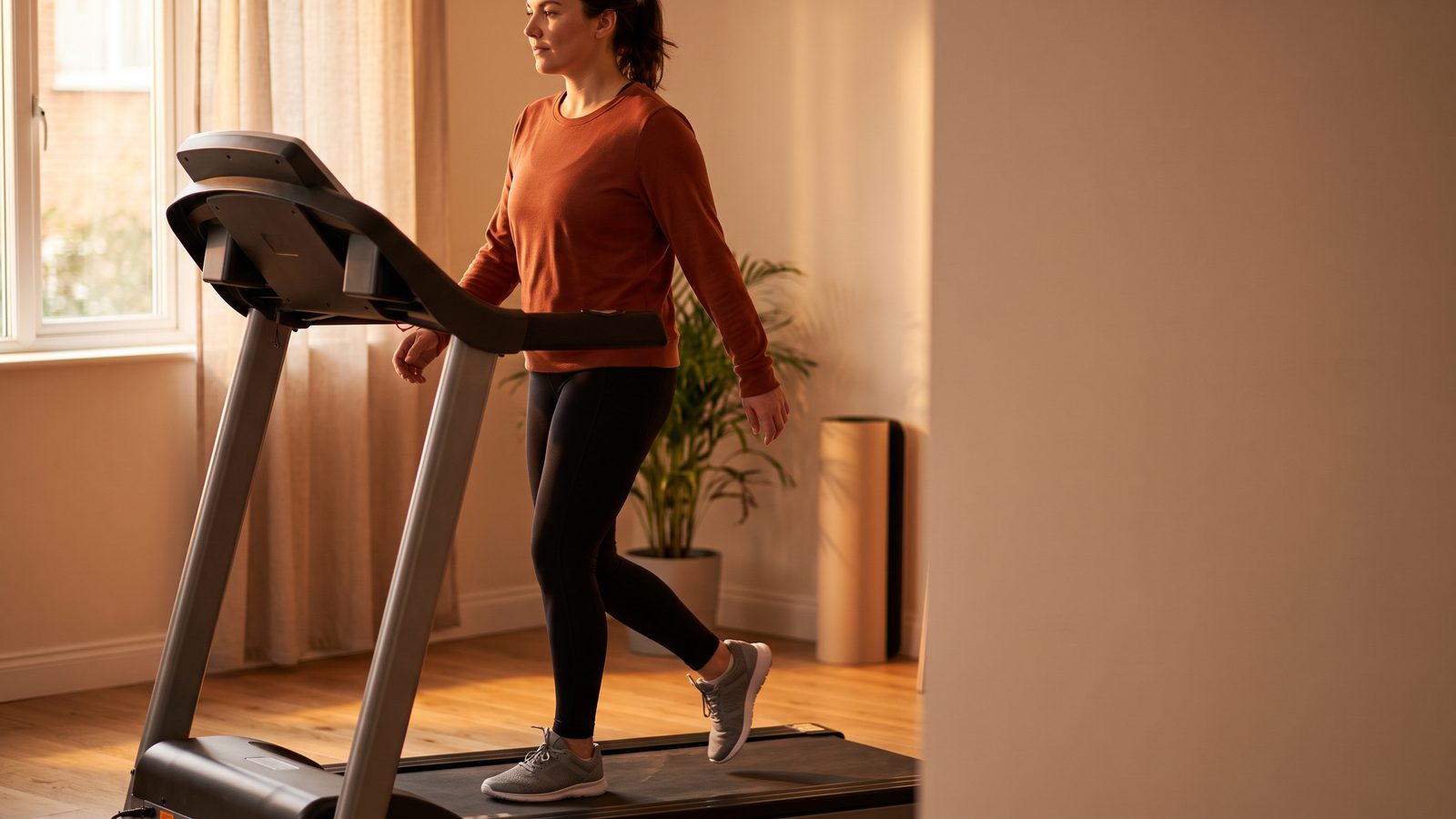
What your ring counts on the belt
Oura says the ring tracks activity with a 3D accelerometer, a sensor that feels movement in every direction. Its software picks your steps out of that movement, reading them from your finger. For more accurate tracking, Oura asks you to wear the ring with its sensor bumps on the palm side.
Oura adds that other wearables may give you a different step total, since each one sorts movement its own way. Its advice is to follow your data on one device and judge it against your own past days.
Our reasoning is that the count follows your hand. On a treadmill your hands are often busy. If you grip the rails or type at a treadmill desk, the ring has less motion to read, and the count can come up short. What gripping does to your effort is a separate matter, and our rails and effort guide covers it.
Where an indoor walk's miles come from
Oura links a walk's distance to your phone. Oura says Live Activity uses the phone's GPS to give pace and distance for supported outdoor activities, such as walking, running, hiking and cycling. For a walk the ring picks up by itself, Oura says route and distance need location services switched on before you set out, with the phone on you.
Our reasoning is that a treadmill leaves that GPS with nothing to measure. The belt slides back under your feet while your body stays put. Your phone never crosses any ground, so it has no path to follow. Unless you bring a distance in from another source, that leaves the number on the treadmill's display.
The display shows a distance for the walk, but nothing on it lets you see whether the belt really moved you that far. Our reasoning is that the ring reads your finger, not the belt, so it offers no second check.
Calories take their own path. Oura says a detected session's calories come from the activity type, how long it lasted and how hard you worked, judged from your heart rate. By our reasoning, none of those inputs is the belt's speed. For the treadmill's side of that question, see how far to trust treadmill calories.
What the display's miles can cost
Suppose the belt drifts off the speed you set. A lab study of four treadmills found each belt, on average, moving at about 98 to about 103 percent of the speed it was given. The rows below are made-up numbers inside that span, for the same 40 minute walk.
| Belt case | True speed | True pace | Miles walked |
|---|---|---|---|
| Holds 3.0 | 3.00 mph | 20:00 a mile | 2.00 |
| Is 2 percent slow | about 2.94 mph | about 20:24 a mile | about 1.96 |
| Is 3 percent fast | about 3.09 mph | about 19:25 a mile | about 2.06 |
Now repeat the slow walk 5 times a week. At the speed you set, those walks add up to 10.0 miles, and on the slow belt you really covered about 9.8. Our reasoning is that your ring would not flag the gap, because it senses movement and heart rate, not belt speed.
Oura ring not tracking treadmill steps? Which number to trust
For steps, read Oura's count against your own other days, the way Oura suggests, rather than against another device's count. Our reasoning is that because the step count itself depends on your hand, it is not a clean cross-check on the walk's miles. If you wonder whether a treadmill walk counts as steps at all, the treadmill steps guide answers that, and the Apple Watch indoor walk guide is the watch wearer's version of this page.
For distance, the display gives you a figure but no way to check it.
Check the belt at your walking speed
Only the belt's own speed can settle those miles. You can find it in one of three ways.
- A handheld tachometer touches the moving belt and reads its speed. It is the most accurate of the three, though it costs money.
- A stopwatch, the belt's length and patient counting give you a free answer. The treadmill testing guide walks through that method, and it puts no marks on the belt.
- Treadwell is an app for the iPhone Pro. Set your usual walking speed, stand off to the side, and aim the phone at the moving belt. The phone's camera and LiDAR read the belt's speed from there.
One reading at 3.0, or whatever speed you always walk, tells you whether the 2.00 on the display matches how far you really walked.
Log treadmill walks you have checked
Measure the belt at the speed you walk, and every walk after that goes in your log with miles you believe. The app runs on an iPhone Pro only, since it relies on the LiDAR sensor in that model.
 Scan with your iPhone Pro to get the app
Quick answers
Does the Oura ring count treadmill steps? Oura says the ring counts your steps from your finger, and that GPS pace and distance from your phone are for supported outdoor activities. Our reasoning is that resting hands give the ring less to count, and the miles you log are likely the display's, which the display itself gives you no way to check.
Why is my Oura ring not tracking treadmill steps? Oura says the ring reads steps from your finger and tracks more accurately with the sensor bumps on the palm side. Our reasoning is that a walk with your hands on the rails or a keyboard gives it less motion to count.
Does Oura track treadmill distance? Oura ties its GPS pace and distance to your phone, for supported outdoor activities. Our reasoning is that a belt keeps you in one spot, so the phone has no path to follow, and the display is the walk's distance unless you bring one in from another source.
Is my Oura or my treadmill more accurate for a walk? They count different things. The ring estimates steps from your hand, and Oura suggests reading that number through one device. The treadmill shows a distance that its display gives you no way to check against the belt. By our reasoning, neither one gives you the belt's real speed, so only a reading of that speed can settle the miles.
Sources.
- Oura Member Care article 360025576833 on steps and activity (updated October 14, 2026), support.ouraring.com. The ring uses a 3D accelerometer; its algorithms recognize step patterns from your finger; wear the sensor bumps on the palm side; other wearables may count steps differently, so use one device and your own baseline; session calories use activity type, duration and intensity.
- Oura Member Care article 50433376859283 on Live Activity tracking (updated October 14, 2026), support.ouraring.com. Pace and distance from the phone's GPS apply to supported outdoor activities only, for example running, walking, hiking and cycling.
- Oura Member Care article 360063022993 on automatic activity detection (updated October 14, 2026), support.ouraring.com. To get route and distance, turn location services on before you start and bring your phone.
- Oura Member Care article 6321008135699 on activity heart rate (updated October 14, 2026), support.ouraring.com. Intensity for calories is based on heart rate, and it falls back to moderate when there is no heart rate.
- Willwacher and colleagues, Scientific Reports 11:2244 (2021). Volunteers walked and ran on four treadmills in a lab, and mean belt speed sat from a low of about 98 percent to a high of about 103 percent of target.
- My own notes: the 40 minute walk, its three belts, the weekly total and the table are invented to show the math, and I did the arithmetic. Lines marked "our reasoning" are our view, not Oura's words and not a study result. I read every Oura page above on October 24, 2026.