Guides · Garmin treadmill calibration
Garmin's treadmill calibration does not check whether your treadmill is right
You save your first treadmill run and your watch asks you a question. It wants the distance off the machine, so you lean over, read the number, and type it in. That one small step decides what every indoor mile you log afterward is worth.
On Garmin's Forerunner watches, treadmill calibration asks you to read the treadmill's distance and enter it. Your watch then adjusts itself until it agrees with that number. It is learning to match the machine, not to check it, so a treadmill that reads long teaches your watch to read long too.
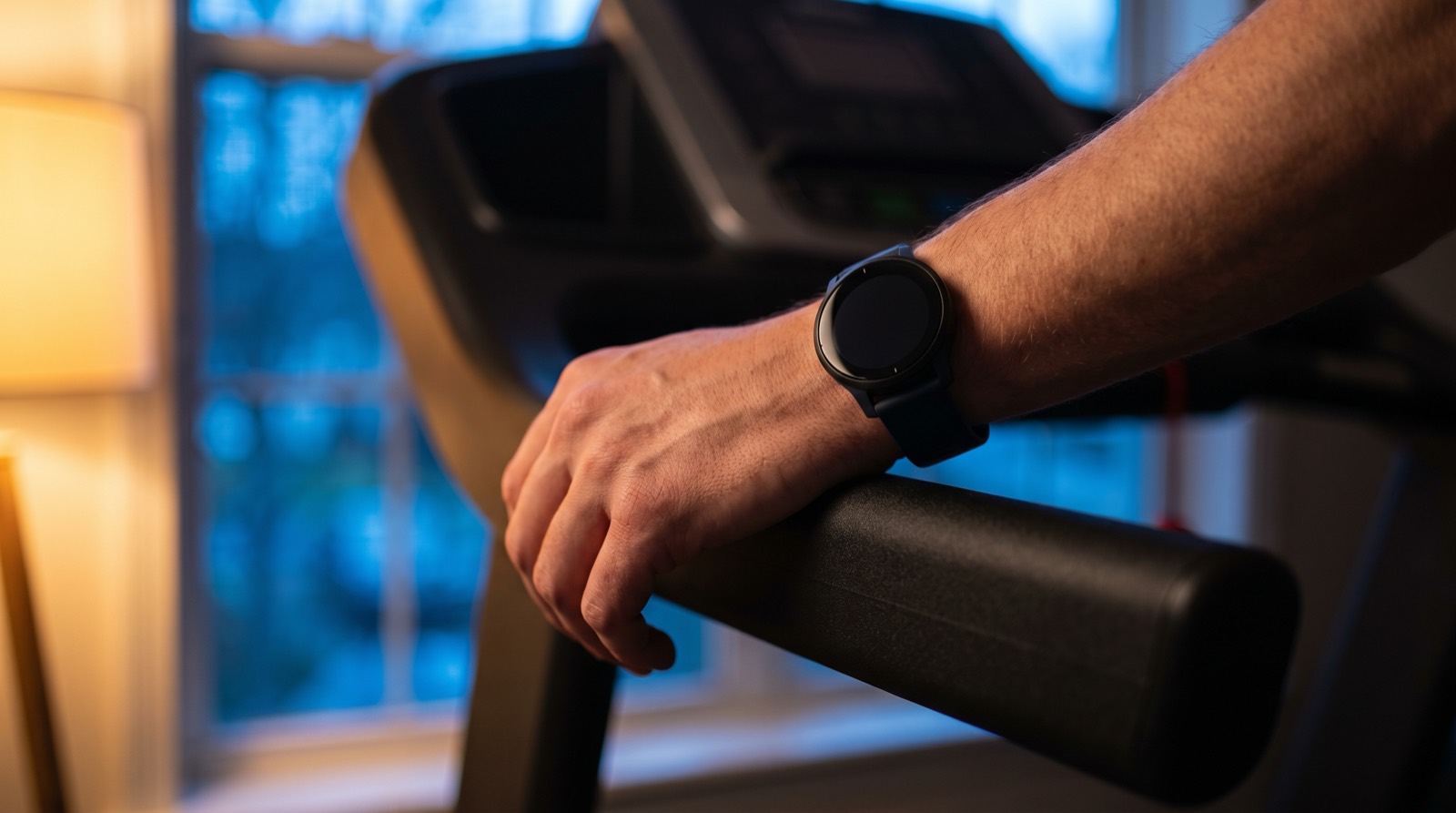
You are setting a scale by reading the label
Picture calibrating a kitchen scale. You put a bag of flour on it, read the weight printed on the bag, and adjust the scale until it shows that. Your scale is now perfectly calibrated to the label. If the bag was underfilled, your scale is confidently wrong about everything you weigh from then on, and it will never wobble.
That is what happens when you calibrate a watch to a treadmill. The machine's number is the label. Your watch believes it and adjusts itself to match.
Why your watch has to ask
Outdoors your watch has a real reference. Satellites tell it where you were and where you are now, and the gap between those two places is a fact about the world.
Step indoors and the satellites are gone. Your watch switches to the motion sensor on your wrist and a stride length it learned out on the road. It is now feeling an arm swing beside a machine, and the surface carrying you is out of its reach. That is why it asks you for a number at the end. It knows it is guessing.
Rest your arm on the handrail and your indoor distance gets worse, because you have taken away the only thing the watch was counting.
What the calibration actually does, in three steps
This is the sequence, in the order you do it.
- 1You finish the run and save it. The watch has been counting your arm the whole time, because indoors it has no satellites to work from.
- 2The watch asks for the treadmill's distance. You read the machine and type its number in.
- 3The watch adjusts itself to match. Your stride estimate gets nudged until the watch's figure lines up with what you entered.
Nothing in those three steps involves the belt. The watch is uncertain, so it asks. The only other thing in the room is the machine, so the machine answers. Nobody in that exchange measured anything.
The number you typed in was never a measurement
A treadmill's display is not a reading of the belt. It is the speed the machine was told to hold, turned into miles using values stored inside it.
Some machines never check that they hit the target at all, because their kind of motor holds a commanded pace on its own. The machines that do check are watching a part spinning under the deck and multiplying by a stored number. Either way, the surface your foot lands on is not on the list of things being watched. Here is what a treadmill actually measures.
So the reference your watch just calibrated against is the machine's own account of itself, produced by a machine that never looked at its own belt.
Two numbers agreeing does not make either one right. On one of my own runs, the treadmill and an Apple Watch both read 5.6 miles for a run that was really 5.0. Calibrate a watch against a run like that and you teach it to inflate every indoor mile you run afterward.
What that costs across a training block
One calibration is not a one-run problem. Your watch keeps what it learned and applies it to the next indoor run, and the one after that, until you calibrate it again.
Calibrating to a machine that reads 4 percent long
This is an illustrative example on a made-up machine. Nobody ran these miles. The arithmetic shows the direction.
Your watch, your treadmill and your training log all agree on 300. Nothing in that chain was ever in a position to notice.
Four percent is a mild error. I have measured worse.
What I found on real belts
I check treadmills with a handheld contact tachometer, which reads the belt's true surface speed instead of asking the machine what it believes.
One gym treadmill displayed 2.3 miles for a run that was really 2.0. The next day the same machine read 5.6 against a true 5.0, the run in the box above. On a different machine I use regularly, the display said 5 miles when I had really run 4. I definitely under-ran my marathon training.
That is three runs on two machines, and no two of those errors were the same size. A watch calibrated on any of those runs would have carried that machine's error into every indoor mile afterward.
What your Garmin treadmill calibration accuracy really rests on
The question is not whether to calibrate. Your watch does need a reference, and an uncalibrated stride estimate is not better. The question is what you hand it as the truth.
| You calibrate against | What your watch ends up trusting | Did anything read the belt? |
|---|---|---|
| The treadmill's distance | The machine's own report, built from the speed it was told to hold and its stored settings. | No |
| Your outdoor stride | A stride length learned on the road, replayed on a surface it has never met. | No |
| The belt's measured speed | What the running surface actually did, checked before you type anything in. | Yes |
Only the last row gives your watch something that was measured. You can get there for free: measure the belt loop, pick a seam, logo or scuff already on it, and count how many times it passes in a minute. It works, and it means standing beside the machine with a tape measure instead of running. The full method is here.
One step finishes the job, because your watch asks for a distance and what you measured is a speed. Multiply the belt's true speed by the time you ran. A belt really doing 6.1 miles per hour for 40 minutes carried you 4.07 miles, so 4.07 is what you type in.
The faster way to get a real number
Treadwell reads the belt's true speed through your phone's camera and its LiDAR sensor. You stand beside the machine and hold the phone over the moving belt for a few seconds, and you get the number your watch should have been calibrated against. On a hotel treadmill it had never seen, with nothing set up for that machine, its reading came within half a percent of my tachometer. The hotel's own display was never part of that test.
Check the machine first, then let your watch calibrate to a number that means something. When the app cannot get a reading it trusts, it says so instead of guessing. You need an iPhone Pro, because that is the phone carrying the LiDAR sensor it measures with.
Calibrate to the belt, not to the display
Measure any treadmill's true speed in seconds, with your iPhone Pro.
Your watch was never the problem here. It asked an honest question and took the only answer available in the room. Give it a better one and it will do the rest.
Quick answers
Does Garmin's treadmill calibration make my distance accurate? It makes your watch agree with your treadmill, which is a different thing. On Garmin's Forerunner watches the calibration step asks you to read the distance off the treadmill and enter it, so the watch ends up trusting whatever the machine claimed. If that machine reads long, your watch now reads long with it.
How does Garmin treadmill calibration work? Garmin's Forerunner watches prompt you the first time you save a treadmill run. You check the distance shown on the treadmill, type that number into the watch, and the watch adjusts its stride estimate until its own figure matches what you entered.
Why does my Garmin treadmill distance not match the treadmill? Indoors your watch has no satellites, so it estimates distance from the accelerometer on your wrist and a stride length it learned outdoors. The treadmill reports its own figure separately. The two are guessing independently, and neither one is watching the belt.
Should I calibrate my Garmin to my treadmill? Calibrate, but hand it a number you have checked. The step copies whatever you type in, so it fixes your watch when the treadmill's number has been verified and it stores the machine's error when it has not.
Does holding the handrails affect Garmin treadmill accuracy? Yes. Indoors the watch works from your arm's movement, so resting that arm on a rail takes away the thing it is counting.
Sources.
- The calibration step prompts you on the first saved treadmill run, tells you to check the treadmill for the distance covered, and has you enter it on the watch. Source: the "Calibrating the Treadmill Distance" section, which appears in near-identical wording across the Garmin Forerunner 955, 965, 165, 255, 265 and 970 owner's manuals, and in the same wording on the Venu 3, Venu 4, Vivoactive 3, Vivoactive 5, Epix (Gen 2) and Vivosmart 5 manuals. We checked those twelve. We did not check every watch Garmin makes.
- GPS is turned off for indoor activities, and speed and distance are then calculated using the accelerometer in the watch. Holding the handrails reduces accuracy. Source: Garmin Forerunner 165 owner's manual, Indoor Activities.
- Some machines run with no speed sensor because their motor's speed follows the drive frequency, while others count a part turning under the deck and multiply by stored values. Sources: Precor Experience Series treadmill service manual (TRM 885.v2, 835.v2, 811.v2) and the Horizon Fitness Elite treadmill service manual (2005, models 1.1T to 5.1T). Each describes those machines, not its brand as a whole.
- The 2.3 against 2.0 run and the 5.6 against 5.0 run are our own tests on the same gym treadmill, one day apart, each graded against that machine's standing tachometer table rather than a fresh tachometer reading on the day. An Apple Watch was worn on both and agreed with the display both times.
- The 5 miles against 4 is my own run on a machine I use regularly, reported from my own training rather than from a captured test file.
- The hotel treadmill figure is the accuracy of our own reading against a handheld tachometer taken that day, on a machine we had never measured before. It is not a statement about that treadmill's display, which was not part of the test.
- The 12 week worked example is illustrative. It applies a 4% error to a made-up machine, and nobody ran those miles.