Guides · Garmin treadmill pace wrong
Your Garmin says one pace and the treadmill says another. Which one is wrong?
You glance down mid-run and your Garmin says 9:43 a mile while the treadmill is set to 10:00. One of them is lying to you, and you still have a workout to finish.
Neither number was measured. Indoors your Garmin works out pace from its motion sensor, tuned by your outdoor GPS runs, and the treadmill shows the speed it was set to. A gap tells you they disagree, not which is right. Only checking the belt settles it.
Where your Garmin's indoor pace comes from
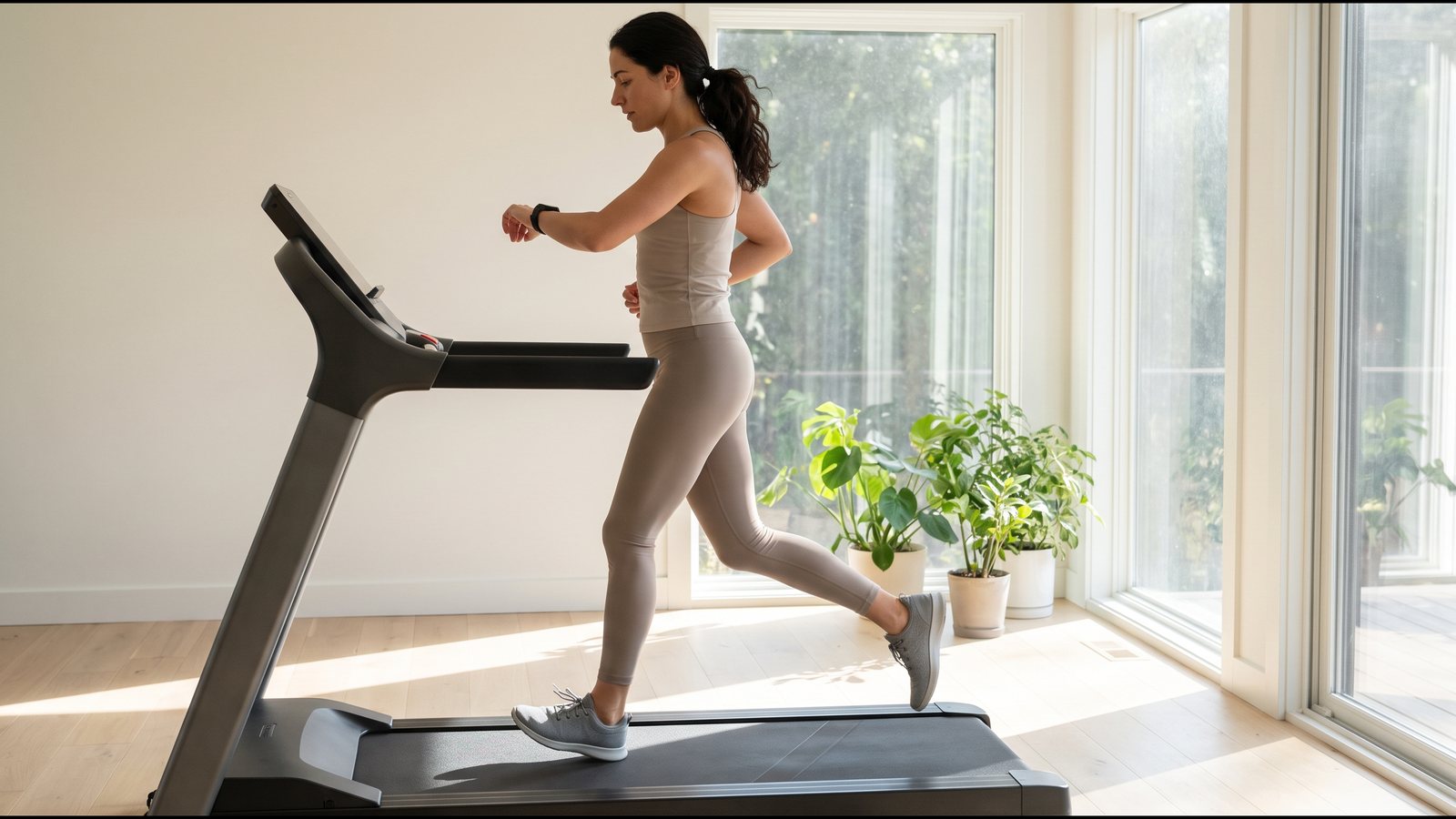
Your Garmin switches GPS off for an indoor run and works out speed and distance from the motion sensor inside the watch, which feels the motion of your wrist. That sensor calibrates itself, and it gets better after a few outdoor runs or walks with GPS. So your indoor pace is wrist motion, scaled by what the watch picked up on the road. Holding the rails makes it less accurate. Some Garmin heart-rate straps, or a foot pod, can supply the pace instead, and the foot pod guide covers that case.
Think of judging distance by counting songs on the radio. On your daily commute one song is about a mile, and the guess works. On the highway each song covers more ground, so the count comes up short, and on a slow back road it misses the other way. What your watch learned may behave the same, guessing best at the paces you run outside. That last part is our reasoning, not Garmin's.
Why paces you never run outside are the weak spot
Garmin gives this advice to people using its heart-rate strap for pace: your outdoor range of paces should match your range of paces on the treadmill. For a strap, a learned stride is only as good as the paces it was learned at. A strap that learned on 10:00 road miles has never seen your 7:30 repeats.
The same logic could apply to the watch's own stride. That is our reasoning, not Garmin's statement. If it holds, the wrist number has the least to go on at the fast intervals and slow recovery jogs that fill a treadmill workout. So a Garmin that looks way off only during repeats gives you one watch-side suspect before you blame the machine.
The treadmill's pace is a setting, not a reading
The treadmill shows the speed you pressed, turned into minutes per mile. Nothing on that screen looks at the belt, much like a stove knob that points at 7 with no idea how hot the pan is. The guide on where a treadmill gets its speed number explains what sits behind it.
How far can the belt stray? A lab study put four treadmills under walkers and runners and found that the belts, on average, ran at 98 to 103 percent of whatever their screens were set to. Set to 10:00, a belt 2 percent slow carries you a mile in about 10:12, and a belt 3 percent fast does it in about 9:43. That is 12 to 17 seconds a mile, and the display reads 10:00 the whole time.
Same gap, two different culprits
This table shows that 17 second gap on a made-up machine.
| If the belt is really moving at | Your real pace | Which number is off |
|---|---|---|
| A. 6.0 mph, right on the setting | 10:00 a mile | Your Garmin, 17 seconds a mile fast |
| B. 6.18 mph, 3 percent fast | 9:43 a mile | The treadmill. Your Garmin has it right. |
From where you stand, the two rows look alike. In row A, if you go by the watch, your tempo is easier than you think. In row B, if you go by the display, you are working harder than the plan asked on every rep.
How to tell which one is off
Follow the gap to where it shows up.
- The same gap on every treadmill you use. It travels with your watch. Suspect what your Garmin picked up outside, most of all at paces you rarely run on the road, or a calibration that copied a bad display.
- A gap on one machine only. If your watch agrees with your other treadmills, the gap belongs to that machine, so suspect its belt.
- A gap that appears when you grab the rails. The watch has less wrist motion to work from, so doubt the wrist for that stretch.
- A gap that grows or shrinks as you change speed. Either side could cause this, since a watch may be less sure at some paces and a belt can be off by different amounts at different speeds. It settles nothing alone.
Even the clean cases only tell you which number to doubt. None of them gives you the pace you actually ran.
Why calibrating did not fix it
When you save a treadmill calibration, your watch takes the machine's distance as the truth and adjusts to match. Our guide to how Garmin's treadmill calibration works has the details. Garmin says that if you use different treadmills, you can calibrate the distance on each treadmill or after each run. So a calibration is fitted to one machine.
That is why the gap can come back on the next treadmill. Your watch may now carry the first machine's error along with your stride. On the first machine the gap only went away because the watch was taught to match that display.
Some Garmin heart-rate straps have a calibration reset for when their numbers look wrong. A reset clears what the strap learned. It does not give the strap a better reference.
Settle it with the belt
Only the belt's real speed can settle which number is right. There are three ways to get it.
- A handheld tachometer reads the belt surface speed directly, though you have to buy one.
- The free way times a seam or logo the belt already carries as it comes around, then works the speed out from the belt's length. See how to check if your treadmill is accurate for the method.
- Treadwell works on an iPhone Pro. You hold the phone steady over the running belt, and its camera and LiDAR sensor work out how fast the belt is moving.
Start with the treadmill you use most, at a steady setting you run often, like the 6.0 in the table. The next time the two numbers argue on that machine, you will already know whether the display or your watch is off at that setting.
Find out which number to trust
Get your usual treadmill's true belt speed at the setting you train at, then decide which pace to follow. Treadwell needs an iPhone Pro, since its LiDAR sensor is part of how it measures the moving belt.
 Scan with your iPhone Pro to get the app
Quick answers
Why is my Garmin treadmill pace wrong? Neither number was measured. Indoors your Garmin works out pace from its motion sensor, tuned by your outdoor GPS runs, and the treadmill shows the speed it was set to. A gap tells you they disagree, not which is right. Only checking the belt settles it.
Is Garmin accurate on a treadmill? Indoors it is an estimate, and nothing on the watch or the machine measures the belt. Your Garmin builds treadmill pace from its motion sensor and what it picked up on your outdoor GPS runs. To find out how close it is on your treadmill, you need the belt's real speed to compare it with.
Why is my Garmin pace too fast on the treadmill? Either the watch is reading fast or the belt is moving faster than its setting, and both look the same from your wrist and the screen. If the fast reading follows you onto every treadmill, look at the watch first. If it happens on one machine only, look at that belt.
Why is my Garmin treadmill calibration not working? A calibration fits your watch to one machine's distance. On a different treadmill the gap can return, and on the same one the numbers agree only because the watch was taught to match that display. There is more on how Garmin's treadmill calibration works.
Sources.
- Garmin Forerunner 965 Owner's Manual (2023), "Indoor Activities" and "Calibrating the Treadmill Distance", www8.garmin.com. GPS is turned off for indoor activities, so the watch's accelerometer calculates speed and distance; the manual calls it self-calibrating and says its accuracy improves after a few outdoor runs or walks using GPS; holding the treadmill handrails reduces accuracy; if you use different treadmills, you can calibrate the treadmill distance on each treadmill or after each run.
- Garmin Forerunner 970 Owner's Manual (2025), "Gym Activities" and "Calibrating the Treadmill Distance", www8.garmin.com. The same indoor wording as the Forerunner 965 manual.
- Garmin Forerunner 965 and 970 Owner's Manuals, "Heart Rate Accessory Running Pace and Distance" and "Tips for Recording Running Pace and Distance". The HRM 600, HRM-Fit and HRM-Pro series straps provide running pace and distance when GPS is not available, such as on a treadmill; the tips say your outdoor range of paces should match your range of paces on the treadmill; if calibrations don't seem accurate, the strap's calibration data can be reset in the sensor settings. A foot pod can record pace and distance instead of GPS indoors.
- Treadmill belt speed versus the set speed: Willwacher and colleagues, Scientific Reports, 2021 (vol. 11, article 2244). Four laboratory treadmills were tested with walkers and runners on the belt, and the average belt speeds clustered from roughly 98 to 103 percent of the commanded speed.
- My own notes: the 9:43 versus 10:00 example, the 6.18 mph belt and the two-row table are made up, and the pace arithmetic is mine. The radio-song and stove-knob comparisons are illustrations. Reading the gap by where it follows you, applying the strap's pace-range advice to the watch's own stride, and the idea that a saved calibration may carry one machine's error to the next, are our reasoning, not a Garmin statement or a study finding. Only the Forerunner 965 and 970 manuals were read for this page.