Guides · How treadmills measure speed
How treadmills measure speed, and what they never measure
You press 6.0 and the belt settles into a rhythm. Something in that machine must know how fast it is going. It is just not watching the part you are running on.
A treadmill does not measure the surface you run on. The display shows the speed the machine is aiming for, checked at best against a spinning part under the deck, and on some machines checked against nothing at all. The only way to know what your belt is really doing is to measure the belt itself.

The display is a setting, not a measurement
When you press 6.0, you are not asking the treadmill a question. You are handing it a target, and the display shows you your own request back. It works the way your oven does. The oven's display holds a perfect 350 the whole time you bake, even while the real temperature inside swings above and below it.
That is really how treadmills measure speed: they aim, and mostly they trust the aim. So the real question is what, if anything, checks that the machine hit the target. The honest answer is that it depends on the machine, and you cannot tell from the outside.
Where the checking happens, when it happens at all
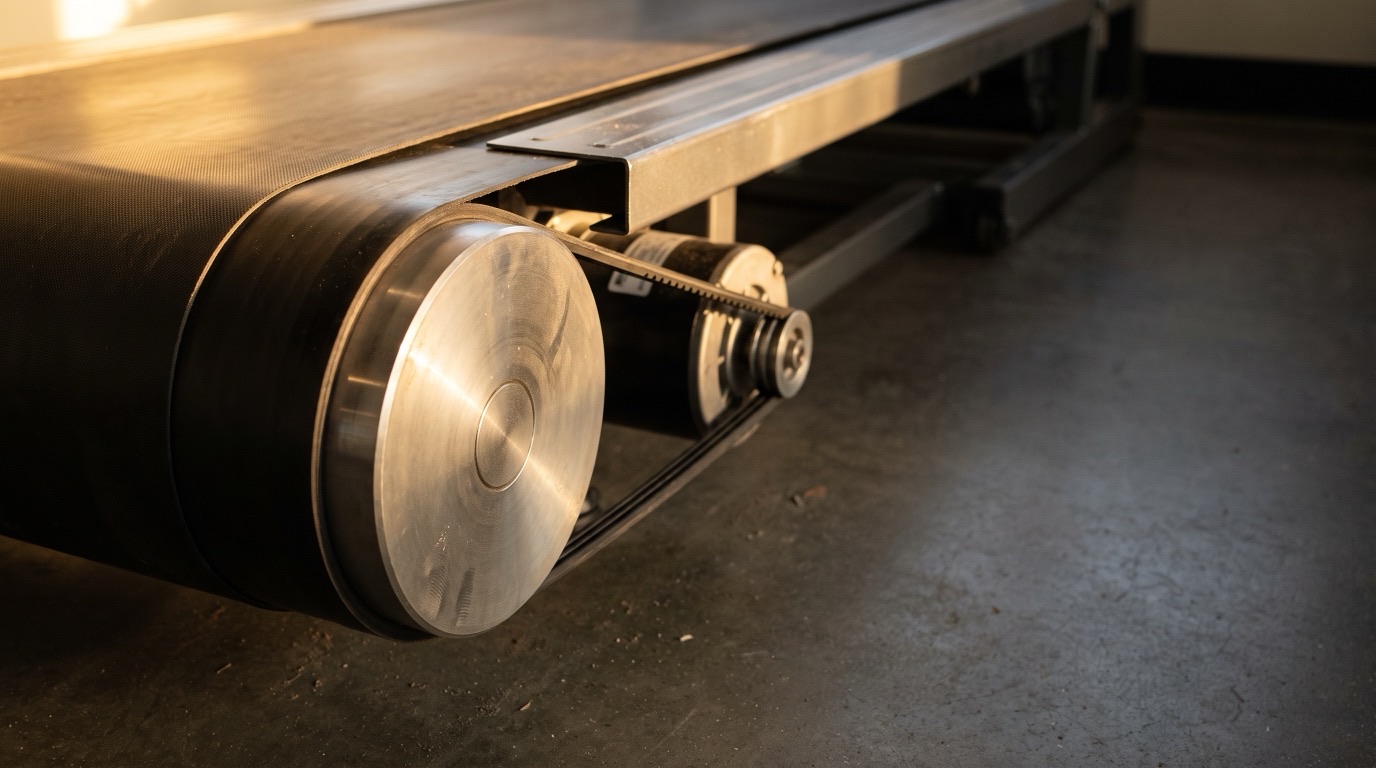
Some treadmills do check themselves. They count how fast the roller or the motor is turning down under the deck, then multiply by numbers stored in their memory to turn that count into the speed on the display. Other machines, including commercial ones, check nothing at all. Their kind of motor locks its pace to the power signal feeding it, so the makers decided there was nothing to verify.
Either way, notice what is being watched: a spinning part under the deck, or nothing at all. The belt surface your foot lands on is never on that list.
Where a treadmill checks its speed
When a machine checks at all, it watches a spinning part underneath. The surface you run on is one slip away.
Three ways the number can be wrong
That gap between the roller and the belt is where the honest number can leak out, in three quiet ways.
- The arithmetic runs on stored numbers. The machine converts spins into miles per hour using values written into its memory. If one of those stored numbers is off, every speed the display shows is off with it.
- Belts stretch and slip as they age. That is ordinary wear, the kind of thing maintenance exists for. A belt slipping under your foot means you traveled a little less far than the roller turned, and the machine cannot see the difference.
- A machine that checks nothing is trusting. With no check at all, the display is only ever the request. It stays right as long as everything under the deck behaves, and nobody is watching to see if it does.
None of this makes the display wander. That is the trap. A treadmill holds its number rock steady whether the arithmetic behind it is right or wrong. The display is showing you how confident the machine is, not how correct it is.
Does a pricier machine measure better?
You would think the commercial treadmill at the gym earns more trust than a budget one at home. The equipment standard that grades treadmills treats those as two separate report cards: how tough a machine is built, and how accurately it displays your data. Passing one says nothing about the other. Price and badge tell you how long the machine will last. Whether its numbers are true is a separate question.
What a small error costs you
In lab tests, treadmills in known good condition ran their belts between 98% and 103% of the speed on the display. Call that the good range. Here is the gentle end of it, 2%, applied to one ordinary training week.
What 2% looks like in a normal week
One machine, one steady display, four runs of 40 minutes at a shown 6.0 mph.
This is an illustrative example, not a logged test. It applies a 2% error, the gentlest end of the range published lab testing found. Paces are rounded to the nearest second. Nothing about the run feels wrong while it is happening, because the display is perfectly steady the whole time.
What I found when I measured real belts
I measure belts with a handheld contact tachometer, a tool that reads the belt's true surface speed instead of asking the machine what it thinks.
One gym treadmill displayed 2.3 miles for a run that was really 2.0. That run was inflated by about 15%. The next day, the same machine read 5.6 miles against a true 5.0, and an Apple Watch sided with the display instead of catching it, because a watch has no GPS indoors. On one of the machines I run on regularly, the display said 5 miles when I had really run 4. I definitely under-ran my marathon training.
Every one of those gaps sits far outside the lab's good range. Neither machine was broken, and both held their numbers beautifully.
If your belt slips or surges, that is not yours to fix. Adjusting a belt or opening a machine can hurt you, damage the treadmill, and void its warranty. Tell the gym staff what it did, or if the machine is yours, your manual names who does the work.
How to find out what your belt is doing
You can check a belt yourself with a stopwatch: measure the belt loop, pick a seam or scuff already on it, and count laps against the clock. It works, it costs nothing, and it takes real setup time. The full method is here.
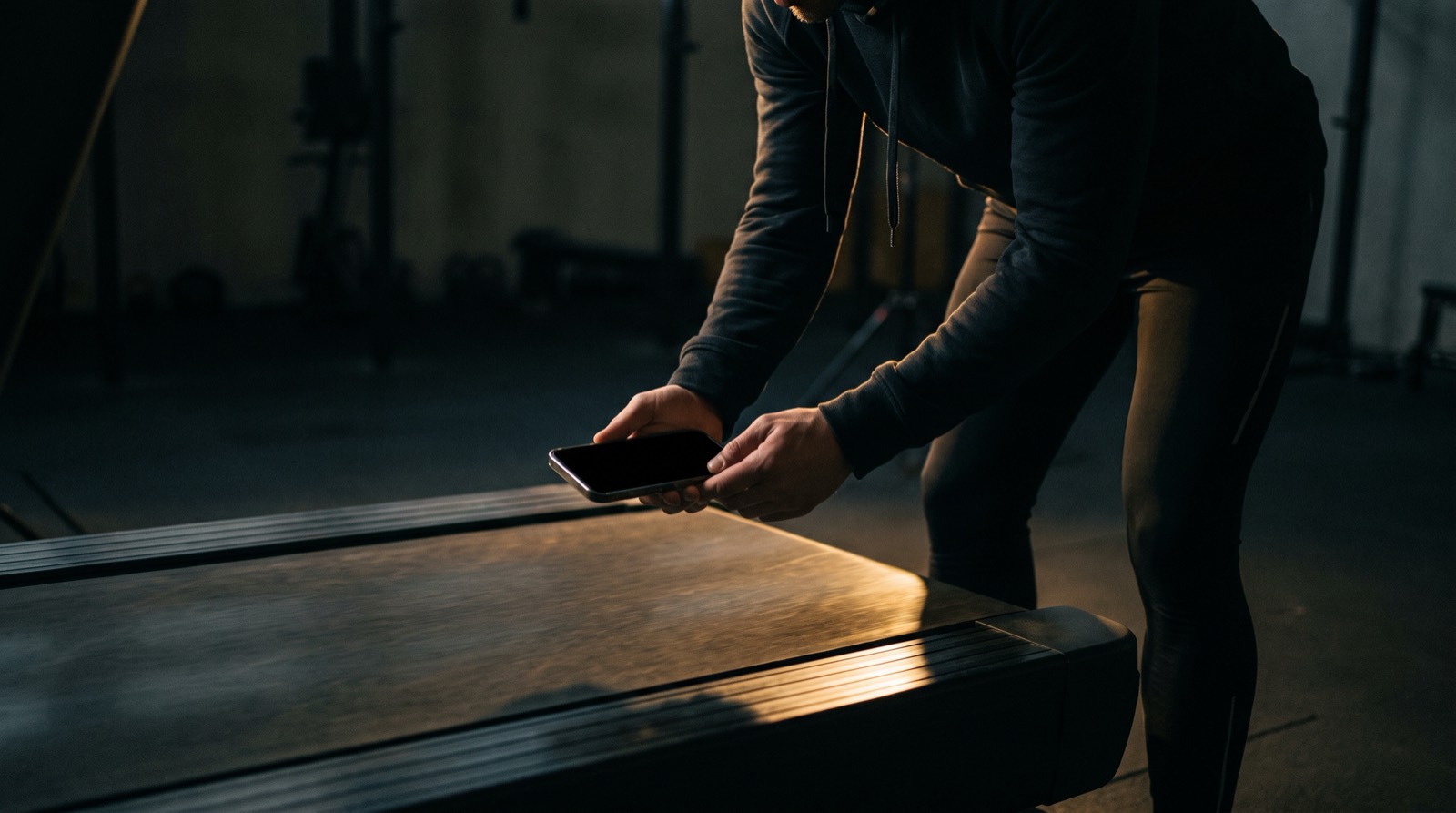
Or measure the belt directly. Treadwell reads the belt's true speed through your iPhone Pro's camera and LiDAR sensor. You stand beside the machine, hold the phone over the moving belt for a few seconds, and get the number the display was supposed to be showing you. It does not read the display and it does not watch your stride, so it works on any treadmill, including one you have never used. On a hotel treadmill it had never seen, with no setup for that machine, the app's reading came within half a percent of my handheld tachometer's. The hotel's own display was never part of that test. If the app cannot get a reading it trusts, it tells you instead of inventing one.
Measure the belt, not the display
Get any treadmill's true speed in seconds, with your iPhone Pro.
Quick answers
How does a treadmill measure speed? Most treadmills do not measure the surface you run on. The display shows the speed the machine is aiming for. Machines that check at all count how fast a spinning part under the deck is turning, then multiply by numbers stored in memory. Some machines check nothing and simply trust the motor to hold the speed it was told.
Do all treadmills have a speed sensor? No. Some treadmills, including commercial machines, are designed to run without any speed sensor at all, because their type of motor holds a commanded speed on its own. Nothing on the outside of a treadmill tells you which kind you are standing on.
Are expensive or commercial treadmills more accurate? You cannot tell from the price or the badge. The international equipment standard grades how tough a treadmill is built and how accurately it displays data as two separate things, so a commercial-grade machine can still show numbers nobody ever checked.
How can I find out what my treadmill belt is really doing? Measure the belt instead of trusting the display. You can count belt revolutions against a stopwatch, which costs nothing but takes setup time, or you can measure the belt's surface directly with the Treadwell app on an iPhone Pro in a few seconds.
Sources.
- Some machines run with no speed sensor because their motor's speed follows the drive frequency: Precor Experience Series treadmill service manual (TRM 885.v2, 835.v2, 811.v2). This describes those machines, not the brand as a whole.
- Stored per-model values converting roller rotation into displayed speed, with the manufacturer's own warning that improper values can create inaccurate speeds: Horizon Fitness Elite Series service manual (2006). It is a service setting, never something an owner adjusts.
- The striding belt may stretch slightly and can begin to slip under normal use, described as ordinary maintenance: Life Fitness T5 owner's manual.
- Usage classes (home vs studio and commercial) and display-accuracy classes (high, medium, low) defined as separate classifications: ISO 20957-1:2024, clause 4. The numeric tolerance behind each accuracy class sits in a further part of the standard that is not publicly readable, so no percentage is quoted here.
- Belt speeds of 98% to 103% of the set speed across four treadmills in known condition: Willwacher et al., Scientific Reports 11:2244 (2021). Two of the four were laboratory instrumented machines rather than ordinary gym treadmills.
- That a belt slipping under your foot would go unseen by a roller-mounted sensor is our own reasoning from the documented sensor placement, not a claim quoted from any manual.
- The 2.3 against 2.0 run and the 5.6 against 5.0 run are our own tests, each graded against that machine's standing tachometer table rather than a fresh tachometer reading that day.
- The 5 miles against 4 is my own run on a machine I use regularly, reported from my own training rather than from a captured test file.
- The hotel treadmill figure is the accuracy of our own reading against the tachometer, on a machine we had never measured. It is not a statement about that treadmill's display, which was not part of the test.
- The four runs at a shown 6.0 mph is a worked example. It applies a 2% error to one speed, and nobody ran those miles to log them.