Guides · Reading the distance
How to read the distance on your treadmill
Ten minutes into the run the display reads 0.87 and you are doing arithmetic instead of running. Is that most of a mile, or most of a kilometre, or something else entirely?
The distance field counts whole units and decimal parts of one unit. So 1.00 is one full mile or one full kilometre, depending on how your machine is set, and 0.60 is six tenths of that same unit. It starts at zero and climbs while the belt runs. If the number is in the hundreds or thousands and was not at zero when you stepped on, you are reading the machine's lifetime total instead of your run.
The decimal is a fraction of one unit, not a second number
Two digits after the point look like a time. They are not. A treadmill distance is an ordinary decimal, so 0.50 is half a unit and 0.75 is three quarters of one. Nothing there counts minutes or seconds.
Your 0.87 is eighty-seven hundredths of one unit, most of the way to the next whole number. The unit itself is either miles or kilometres, and it is whichever one the machine is set to. Speed and distance run off one units setting, so if MI or KM is printed anywhere on the screen, that letter pair settles the distance too. Here is how to work out which unit you are on when nothing is printed.
What your distance reading works out to
This is the same reading, taken as miles and taken as kilometres.
| Display shows | If it is miles | If it is kilometres | Landmark |
|---|---|---|---|
| 0.25 | 402 m | 250 m | One lap of a track, in miles |
| 0.50 | 805 m | 500 m | Two laps of a track, in miles |
| 0.60 | 966 m | 600 m | Just under 1 km, in miles |
| 1.00 | 1.61 km | 1.00 km | The first whole number on the display |
| 3.11 | 5.01 km | 3.11 km | Just past a 5K, in miles |
| 5.00 | 8.05 km | 5.00 km | A 5K, in kilometres |
| 6.21 | 9.99 km | 6.21 km | Just short of a 10K, in miles |
| 13.11 | 21.10 km | 13.11 km | A half marathon, in miles |
One mile is 1.609344 kilometres. Metres are rounded to the nearest whole number.

Your machine may be showing you more than one distance
A treadmill can carry three separate distance numbers at once, and only one of them is your run.
- Read the workout distance. This is the one you want. It sits at zero before you start and climbs while the belt moves. If your screen labels it DIS or DIST, that is just short for distance.
- Skip the lap counter. Some machines draw an oval and count laps, where one lap is a fixed quarter mile or four tenths of a kilometre. That count moves in whole laps, so read the distance field for the exact total.
- Skip the lifetime odometer. It counts every mile the machine has ever run, by every person who has used it. That total climbs into the hundreds or the thousands, and some machines flash it at power on.
A distance in the hundreds or thousands is not a broken display. Find the field that reads zero before you start, and read that one.
The label tells you what the number means. It does not tell you it is right.
Once you know the unit and the field, you have read the display correctly. Nothing has told you whether the belt actually carried you that far. Think of a basic clip-on pedometer, the kind where you enter your stride length once and never touch it again. It counts your steps and multiplies. The arithmetic is flawless. Nothing in it ever checks the ground. A treadmill's distance total works the same way, and nothing we have found inside these machines checks the belt under your feet. Reading the display right did not protect me. On one machine I run on regularly, it said 5 miles when I had really run 4, the widest gap I have caught and not a typical one, so I under-ran my marathon training.
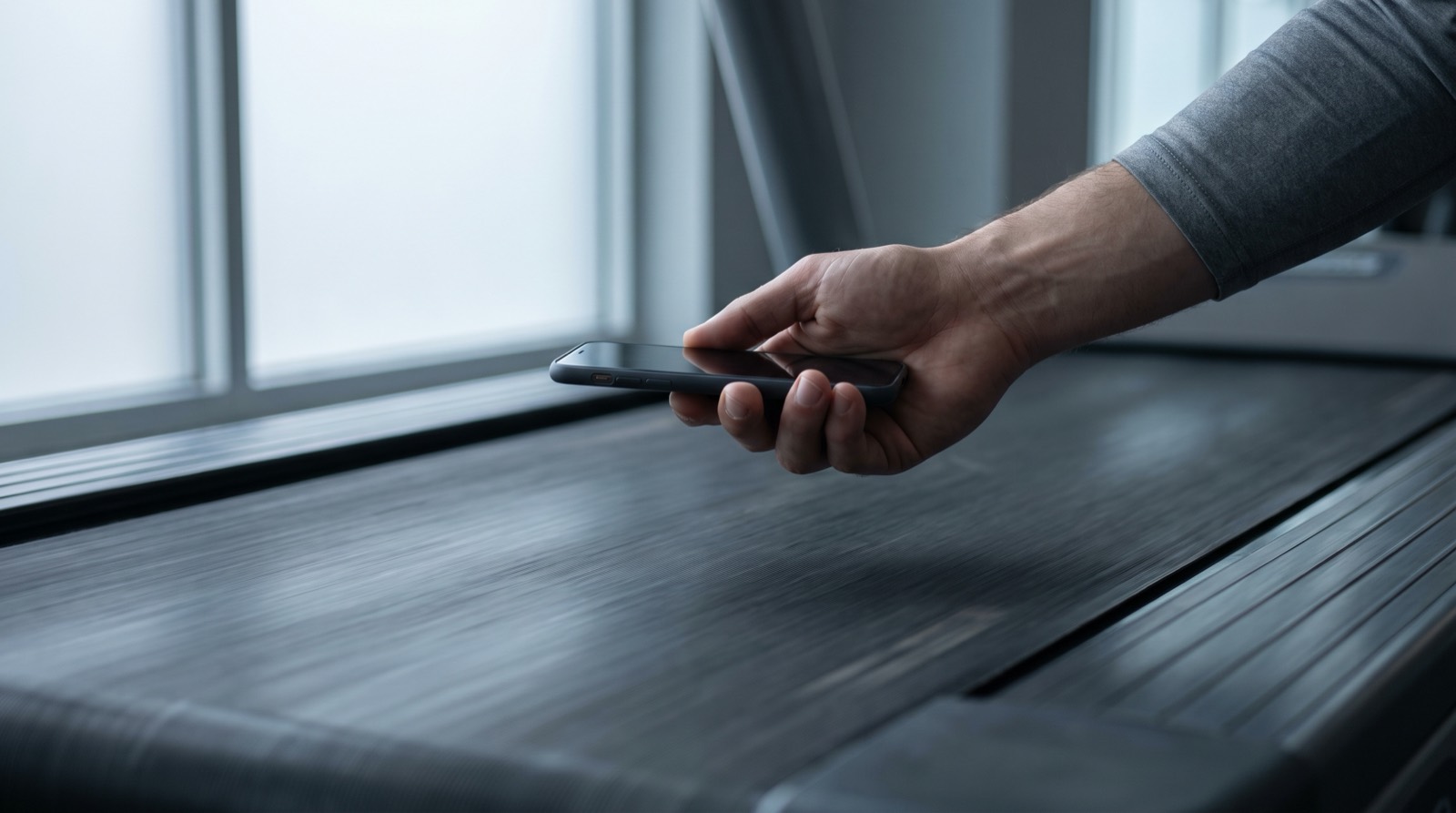
Treadwell measures the belt instead of reading the screen. You stand on the floor beside the machine and hold your iPhone Pro over the moving belt, and its camera and LiDAR sensor give you the belt's real speed. From that you know what the 0.87 on the screen should have read. If it cannot see the belt clearly, it tells you, and the number stays as unproven as it was.
Read the belt, not the display
Get your treadmill's true belt speed in seconds, on any machine. Treadwell needs an iPhone Pro.
Quick answers
What does 1.00 distance mean on a treadmill? It means one whole unit covered so far, and the unit is either miles or kilometres depending on how the machine is set. The two digits after the point are tenths and hundredths of that unit, so 1.00 is exactly one mile or exactly one kilometre and nothing more.
What is 0.60 on a treadmill? It is six tenths of one unit. In miles that is 966 metres, a bit over half a mile and just short of two and a half laps of a running track, and in kilometres it is 600 metres.
Is the treadmill distance in miles or kilometres? It is whichever unit the machine is set to, and one setting runs the whole display, so look for MI or KM printed near the number. If nothing is printed and you cannot reach the units setting, set the speed to 6.0 for half a minute, because in miles that is a ten minute mile and in kilometres it is a walk.
Sources.
- Every manual we could read ties speed and distance to a single units setting, including Life Fitness T3.0/T3.5, Life Fitness 97Ti/95Ti, Vision Fitness Simple and Deluxe, and Matrix T4/T5. That is not the same as saying no machine anywhere separates them.
- The Vision Fitness Simple and Deluxe owner's manuals document MI and KM as the labels that identify the configuration on a display that prints them.
- A machine keeps a lifetime distance separate from the workout distance, and we take that from the Matrix T4/T5 owner's manual, which lists an accumulated distance value held for display only, and from a Sole F80/F83/F85 owner's manual, where odometer readings appear at power on. That Sole document's content is genuine, though its cover page and footer disagree on which models it covers.
- A fixed lap distance is a separate number again, and the SportsArt T635A owner's manual states that one lap equals 0.4 km or 0.25 mile.
- Nothing watches the belt's top running surface in any motorized manual we could read. That is the absence of a documented sensor there, not a claim quoted from any manual.
- The 5 miles against 4 is my own run on a machine I use regularly, reported from my own training rather than from a captured test file.
- Distance conversions on this page are arithmetic: one mile is 1.609344 kilometres.