Guides · Apple Watch indoor walk
Why your Apple Watch indoor walk is not accurate (and whether the treadmill is either)
You walk for 45 minutes at 3.4 on the treadmill, and the display says 2.55 miles. Your Apple Watch logged a different distance for the same walk, so at least one of those numbers is wrong.
Indoors your Apple Watch gets no GPS, and Apple says it learns your stride during outdoor walks and runs. Our reasoning is that a treadmill walk at a new speed, or with busy hands, strays from that. The treadmill shows a setting, so only the belt settles it.
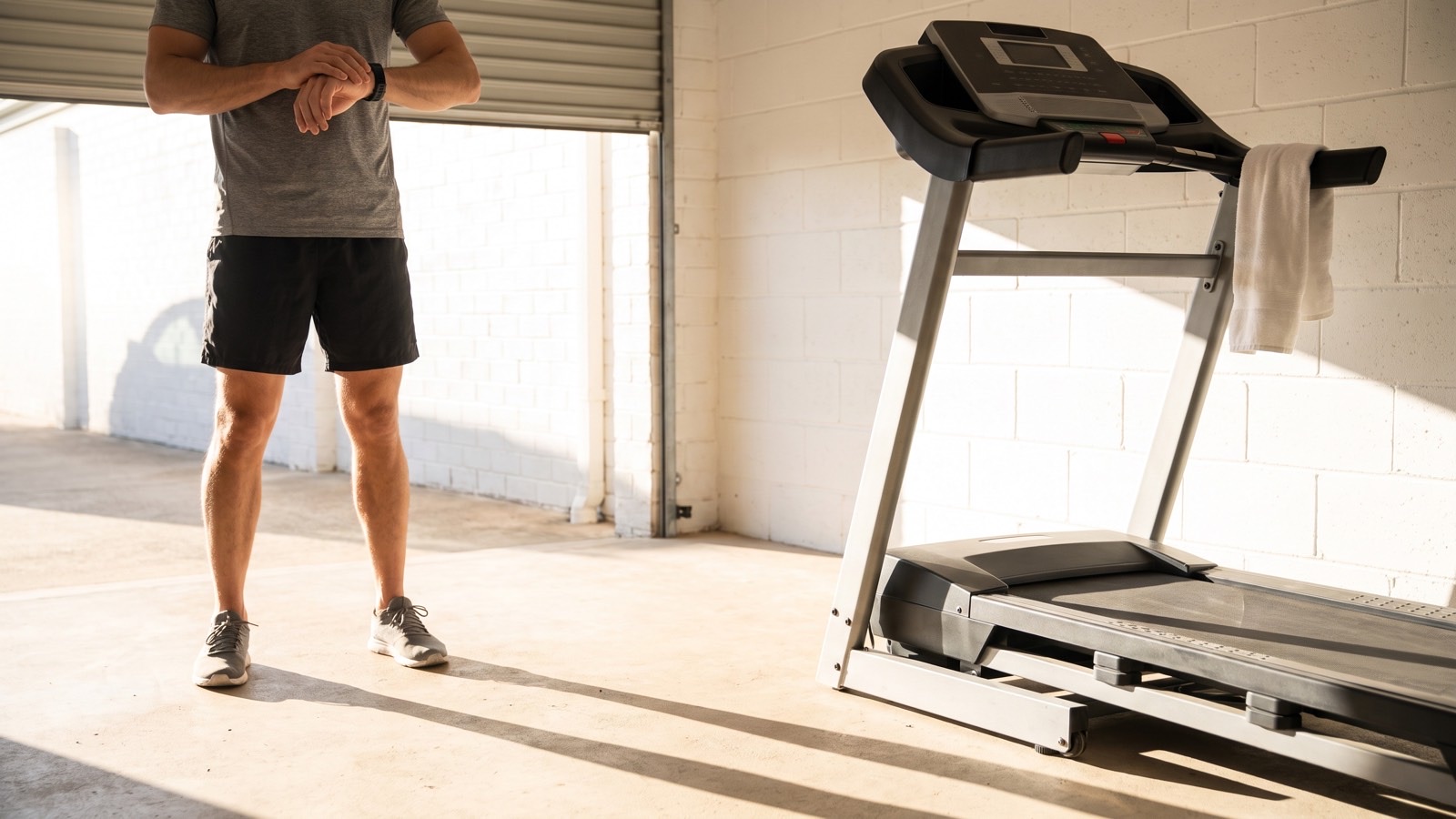
How your watch builds an indoor walk
Inside a gym the watch gets no satellite signal, so it leans on its motion sensor. The guide to Apple Watch accuracy on a treadmill covers that part in full. For a walker, the piece that matters is stride. Apple says your watch learns your stride length at different speeds during outdoor walks and runs. Our reasoning is that an Indoor Walk leans on what those outdoor walks taught it.
Think of the "miles left" number on your car's dashboard. It learns from how you drive. After a week of steady highway trips, it gives you a confident number. Then you spend a day in stop-and-go traffic, or you tow a trailer, and that same number stops matching the road. Nothing broke. The estimate is replaying habits that do not fit today. Our reasoning is that your watch can do the same with your outdoor walks.
A speed you never walk outside
Apple asks you to calibrate outdoors for about 20 minutes at each speed you walk or run. It also says the watch keeps learning your stride at different speeds as you do an Outdoor Walk or Outdoor Run. Each walking speed is its own lesson, and on our reasoning, a speed you only ever walk on the belt is one the watch was never taught.
Treadmill walks can land on those speeds. A steep incline walk at 3.0 can be slower than anything you do on a sidewalk. A brisk 3.8 may be quicker than you ever walk outside. Some walkers never wear the watch outside at all, for example when winter keeps them indoors. Each of those walks may ask the watch for a stride it has no outdoor record of.
We make no claim about which way the watch misses at an untaught speed, or by how much. It can land close, but it is still guessing.
Hands on the rails, phone in your hand
Apple's walking advice is about Exercise credit. To earn it, let the arm with your watch swing naturally. The Activity app relies on arm motion and the accelerometer to track movement. If you need both hands, as with a stroller, the Workout app can still give you credit. That is all Apple's own wording, and all of it is about credit, not distance.
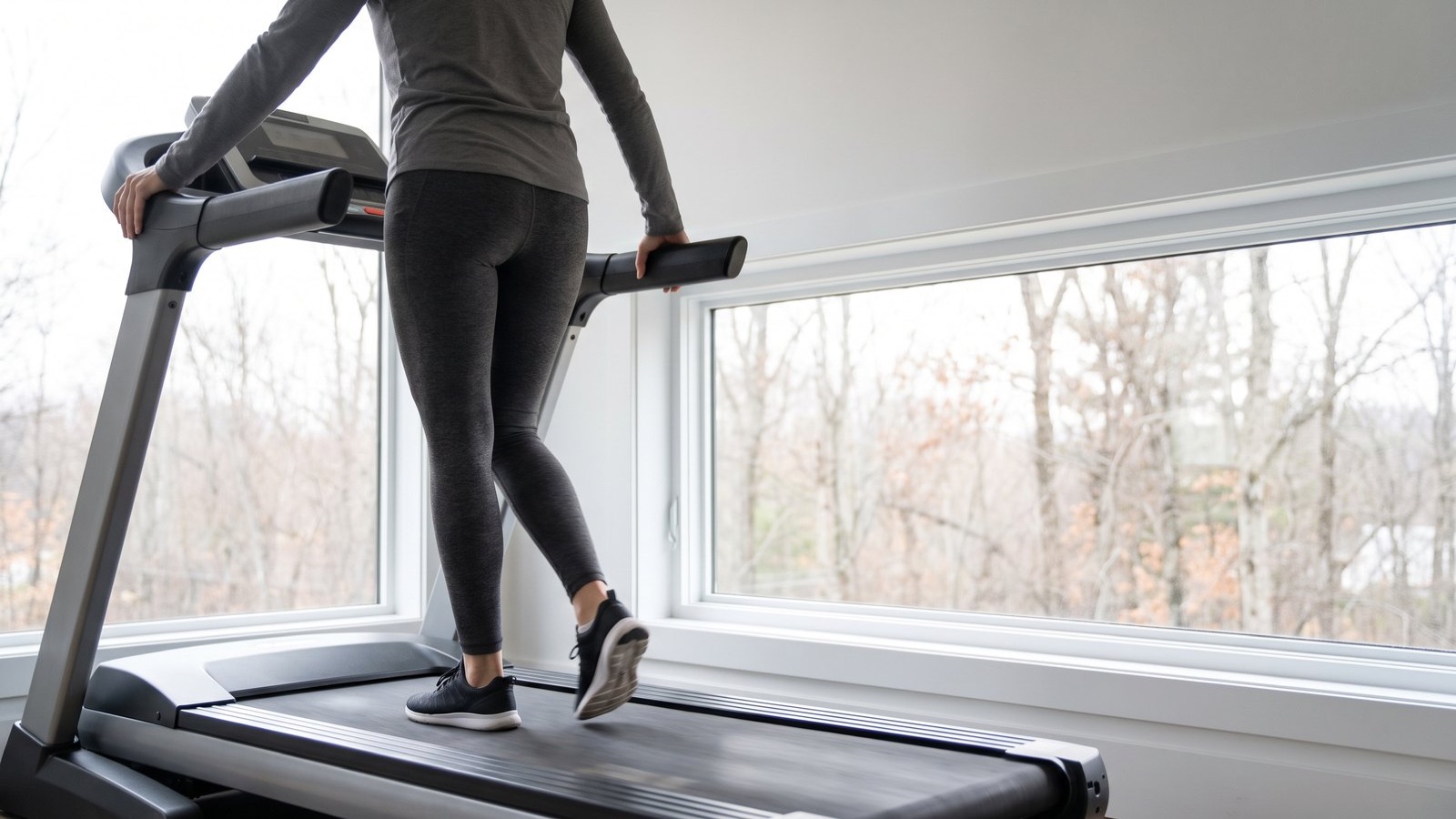
We think it matters for distance on a treadmill as well. Indoors, the swing of your wrist may be a large part of what the watch can feel. A walk spent gripping the rails or scrolling a phone would give it less of that motion to read. The guide to holding the rails while you walk covers what the rails do to your effort.
The treadmill's distance is a setting too
Before you blame the watch, look at the other witness. The display shows the speed you picked. Nothing you can see on it checks that the belt is really moving that fast.
A lab study of four treadmills, tested at walking and running speeds, found each belt held, on average, between 98 and 103 percent of its chosen speed, and walking speeds stayed closer to it than running speeds did. The table below is made-up arithmetic for a 45 minute walk, and its two percent rows are an example, not the lab's walking average.
| When the belt | Actual speed | Actual pace | Actual distance |
|---|---|---|---|
| Matches the setting | 3.40 mph | 17:39 a mile | 2.55 miles |
| Runs 2 percent slow | about 3.33 mph | 18:00 a mile | 2.50 miles |
| Runs 2 percent fast | about 3.47 mph | 17:18 a mile | 2.60 miles |
On the slow belt, every walk you logged at 17:39 a mile was really an 18:00, and the display gave you no way to know.
Three questions before you trust either number
- Do you walk outdoors with your watch at this speed? If not, our reasoning is that the watch is guessing at a speed it was never taught.
- Were your hands free for the whole walk? If not, our reasoning is that the watch had less arm swing to read.
- Is the belt really moving at 3.4? Nothing on the display can answer this one.
Two yes answers make the watch a fairer witness. They still cannot tell you whether the treadmill is right. A close match proves nothing about the belt either, because a watch and a treadmill can agree and still both be off.
Check the belt at your walking speed
The one number that can referee the other two is the belt's real speed, and you can find it three ways.
- A handheld tachometer measures the belt itself. It is the most accurate tool, and you have to buy one.
- A free method times the belt's own seam with a stopwatch and works out the speed from the belt's length. The guide to testing your treadmill walks through it.
- Treadwell runs on an iPhone Pro. Step off, set the speed you usually walk, stand to one side, and aim the phone's camera at the moving belt below. Its camera and LiDAR work out how fast the belt travels.
Take one reading at the speed you always walk, like the 3.4 in this guide. From then on, you know which number goes in your log.
Know which walking number to log
Measure your treadmill's real belt speed at the pace you walk, then compare your watch against a number you checked. Treadwell works only on an iPhone Pro, since it depends on that phone's LiDAR sensor.
 Scan with your iPhone Pro to get the app
Quick answers
Why is my Apple Watch indoor walk not accurate? Indoors your Apple Watch gets no GPS, and Apple says it learns your stride during outdoor walks and runs. Our reasoning is that a treadmill walk at a new speed, or with busy hands, strays from that. The treadmill shows a setting, so only the belt settles it.
Should I use Indoor Walk or Outdoor Walk on a treadmill? Apple's own example tells a runner on a treadmill to choose Indoor Run. Our reading is that Indoor Walk is the matching choice for a treadmill walk. Your outdoor walks are where Apple says the watch learns your stride.
How do I make my Apple Watch indoor walk more accurate? Apple says to calibrate outdoors for about 20 minutes at each speed you walk. Letting your watch arm swing freely on the belt may help too, though that part is our reasoning, not Apple's. Both may improve the watch's guess, and neither one tells you anything about the belt.
Is the treadmill or the Apple Watch more accurate for walking? Neither one checks the belt. The watch's indoor distance is an estimate, and the treadmill shows the speed you set. Only the belt's measured speed can tell you which number sits closer.
Sources.
- Apple Support 105048, the calibration article for Workout and Activity (published March 10, 2026), support.apple.com. Calibration can help the watch learn your stride; walk or run at a normal pace for roughly 20 minutes, outdoors with good GPS reception, and at each of the speeds that you walk or run; the watch keeps calibrating the accelerometer by learning your stride length at different speeds.
- Apple Watch User Guide (watchOS 27), "Change settings in Workout on Apple Watch", support.apple.com. Calibrating improves distance, pace and calorie measurements, and Apple repeats the advice to calibrate for 20 minutes at each walking or running speed.
- Apple Support 105002, the article on getting the most accurate measurements from the watch (published March 10, 2026), support.apple.com. To earn Exercise credit during walks, let the watch arm swing naturally; the Activity app relies on arm motion and an accelerometer; the Workout app can still credit a walk when both hands are busy. Its treadmill example is a runner choosing Indoor Run, and its indoor accelerometer example is about running indoors.
- Belt speed against the setting: a 2021 paper by Willwacher and colleagues in Scientific Reports (11:2244). Each of the four lab treadmills was tested at both walking and running speeds by the same volunteers. The average belt came out near 98 to 103 percent of its target, with smaller misses at walking speeds than at running speeds.
- My own notes: I invented the 45 minute walk, its three belts and the table to show the math, and I did that arithmetic myself. The car comparison is also an illustration. Lines labelled "our reasoning" or "our reading" are our own view, not something Apple states and not a study result. I read the Apple pages listed here on October 21, 2026.