Guides · Apple Watch and treadmill incline
Does Apple Watch detect incline on a treadmill?
You walk 30 minutes at 3.0, a 20-minute mile, on a 12 percent grade, and the display and your watch give you two different calorie totals. You start to wonder whether the watch even knows you were climbing.
In the Apple pages we read, nothing says the watch reads the treadmill's incline. They point to the watch's motion sensor, your heart rate and your personal details. So, on our reading, the climb reaches its numbers through what the climb does to your body.
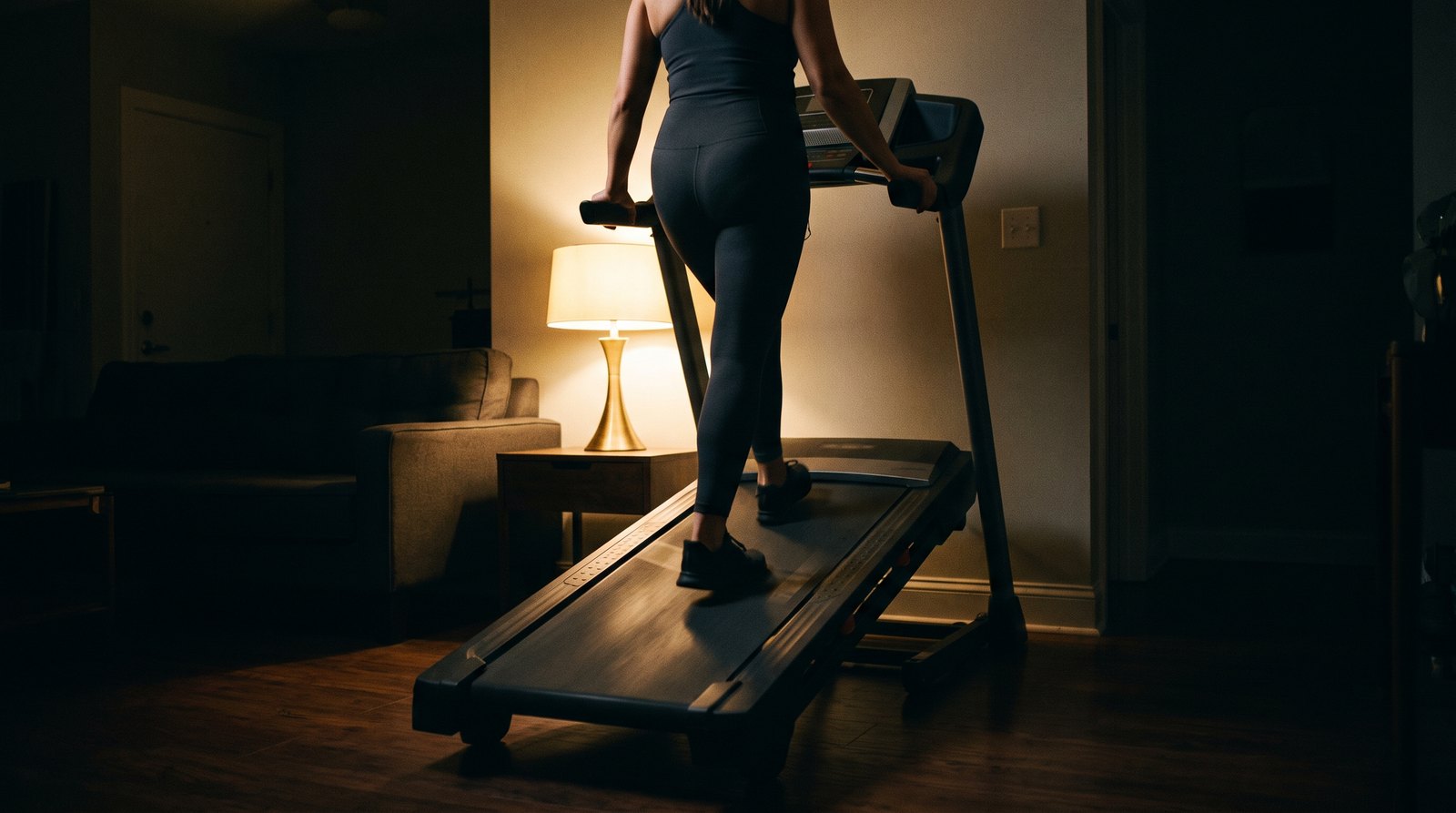
What your watch goes by on the treadmill
Apple names a few inputs: the watch's motion sensor, your heart rate, your body details and the stride it learned outdoors. The pages we read do not mention the slope.
On our reading, it comes down to height. A treadmill keeps you at the same height from the first step to the last. The belt tilts up under you, yet you never rise, so there is no climb for the watch to sense directly.
Picture a kitchen timer sitting next to a pot on the stove. It knows how long the pot was on. It has no idea how high the flame was. You learn about the flame only from what comes out of the pot. Your watch is the timer, and the grade is the flame. What comes out of the pot is your heart rate and your steps. A timer cannot see the flame.
So, as we read it, the watch can tell from your heart rate that you worked harder on a steep day. Nothing it reports says why.
Where the climb shows up, and where it does not
| Number | What feeds it | How the climb reaches it (our reading) |
|---|---|---|
| Calories on your watch | Heart rate, motion, your body details | Apple lists heart rate as one input among many. On our reading, a harder climb usually lifts your heart rate, so the estimate can move with it. Those pages do not say how much. |
| Distance and pace on your watch | Motion sensor, the stride it learned outside | On our reading, the climb reaches it through the way it changes your steps and arm swing, since the watch goes by your steps rather than the slope. |
| Calories on the display | Most machines likely work from the speed and grade you set. | The grade is one of those settings, so the climb goes straight in. |
Calories are the number with the best chance of following the climb, because your heart rate can carry part of the climb to the watch. On those machines the grade is handed to the display, so its estimate leans on the setting. Our other guide covers how much the grade adds to incline calories.
Distance is the weaker one. Walking up a steep belt changes how you step and how your arms swing. We think that makes the motion look unlike the outdoor walks your watch learned from, so the distance can wander. We think the same thing happens on flat ground at speeds you only use indoors, and that story is why your watch misjudges flat indoor walks.
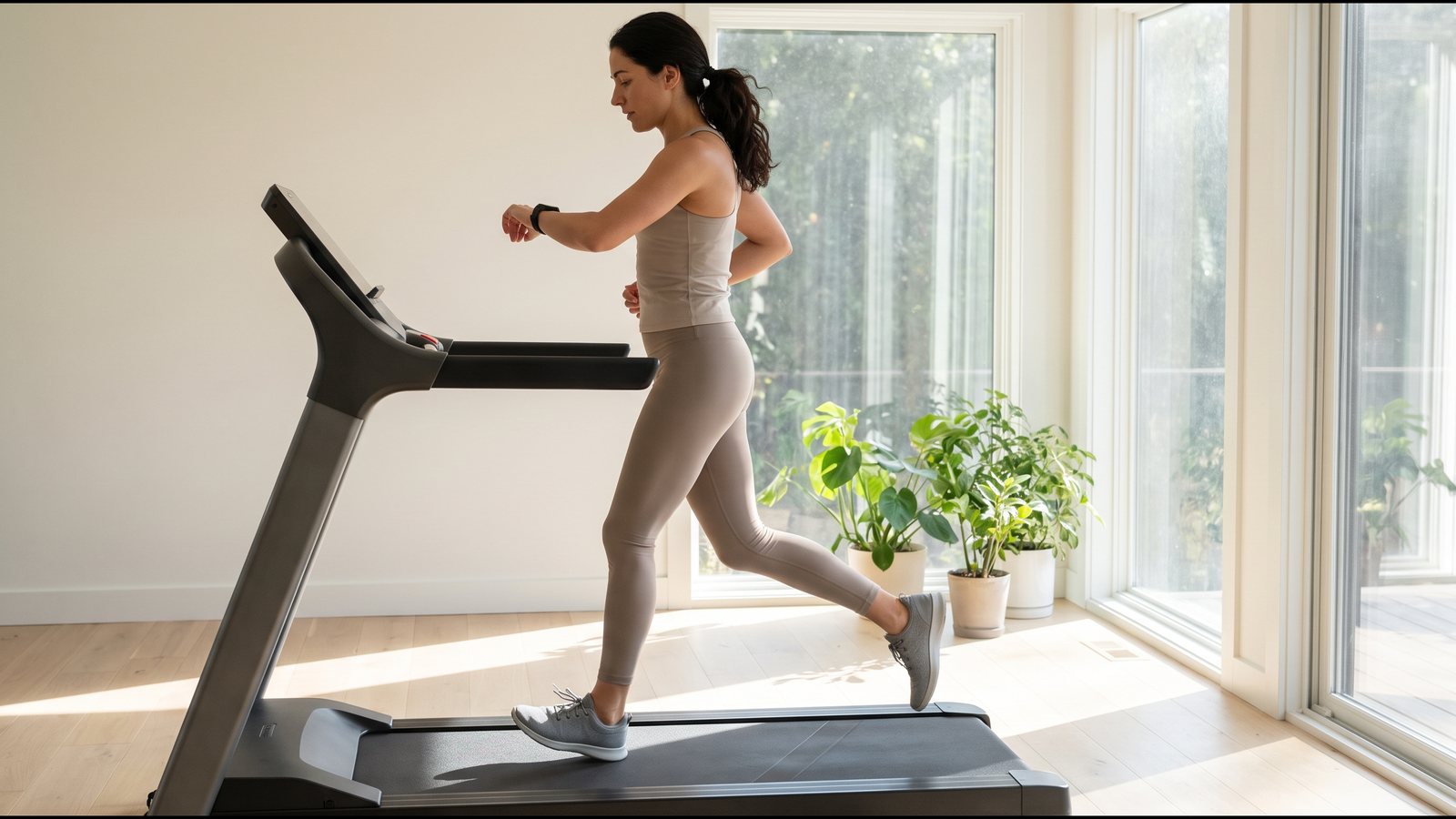
The two calorie totals at the top of this page came from different inputs. One leaned on your body, the other on your settings, so neither proves the other wrong.
Check the number your display starts from
Your display shows the speed you set, and your watch counts your steps. Neither one is a check on what the belt actually does. That matters on a slow, steep walk, because every 20-minute mile on the display rests on the belt's real speed under you.
If you walk at 3.0, Treadwell reads the belt's speed with an iPhone Pro held over the running belt, so you can see how far either number sits from the belt's real speed. It measures speed, not slope. For the slope, see our guide to whether the incline setting is true. Our guide to testing a treadmill also shows a way to time the belt without any app.
Take your reading at the walking speed you use most. The number you get speaks for that speed, not for every speed on the dial.
Know the speed under your climb
Your display shows a speed you may never have checked, and your watch does not check it either. Measure the belt once at your usual walking pace. Treadwell needs an iPhone Pro to work.
 Scan with your iPhone Pro to get the app
Quick answers
Does Apple Watch detect incline on a treadmill? In the Apple pages we read, nothing says the watch reads the treadmill's incline. They point to the watch's motion sensor, your heart rate and your personal details. So, on our reading, the climb reaches its numbers through what the climb does to your body.
Does Apple Watch count calories correctly on an incline walk? It can follow the climb, though only indirectly. Heart rate is one of the things the watch weighs, and a steeper walk tends to push your heart rate up, so on our reading its estimate can rise along with it. The treadmill's own figure likely comes from the speed and grade you chose. Because the two are built differently, a gap between them does not show which one is off.
Why is my Apple Watch distance different on an incline? On our reading, indoors the watch estimates distance from how you move, helped by the stride it learned outside. Climbing a steep belt changes your steps and your arm swing, so we think the motion no longer looks like those outdoor walks, and the distance can drift.
Can a treadmill send incline to my Apple Watch? Some treadmills are labelled as able to connect with Apple Watch, and those can pair with it and sync workout data. Apple's guide does not list which data that includes, so we cannot tell you the incline is part of it.
Sources.
- Apple Support article 105002, on getting accurate readings from the watch, published March 10, 2026, https://support.apple.com/en-us/105002 (read November 3, 2026). For a treadmill run it points you to Indoor Run. It calls heart rate "one of many factors" the watch uses, says the watch picks the inputs that suit each workout, and gives indoor running as the case where it also uses the accelerometer. The same page says your height, weight, gender and age feed the calorie math.
- Apple Support, "Calibrate your Apple Watch," article 105048, https://support.apple.com/en-us/105048 (wording recorded September 30, 2026). Calibration is done outdoors, and it can help the watch learn your fitness level and stride, which helps when GPS is limited or unavailable.
- Apple Watch User Guide, page on pairing the watch with gym equipment, https://support.apple.com/guide/watch/use-gym-equipment-apd15b0268fd/watchos (read November 3, 2026). Compatible cardio equipment, treadmills included, can pair and sync data with the watch. The page does not list which data is shared.
- Apple Support, "Workout types on Apple Watch," article 105089, published May 14, 2025 (read November 3, 2026). It lists indoor and outdoor walking and running, with no wording about incline.
- Notes from this page: the 30-minute walk at 3.0 mph and a 12 percent grade is a made-up example. Lines marked "our reading" or "we think" are our interpretation; none of the pages above mention treadmill incline or grade. No watch or treadmill was tested for this page.