Guides · Nike Run Club treadmill accuracy
Is Nike Run Club accurate on a treadmill?
You finish a treadmill run with Nike Run Club set to Indoor, and the app and the display end on two different distances. Which one goes in your log, and is either one real?
Nike Run Club cannot see the treadmill belt. Its Indoor mode tracks your run from the phone or watch you carry, and Nike does not publish how it works out that distance. The display shows the machine's own number. When the two disagree, measuring the belt gives you a number to set against both.
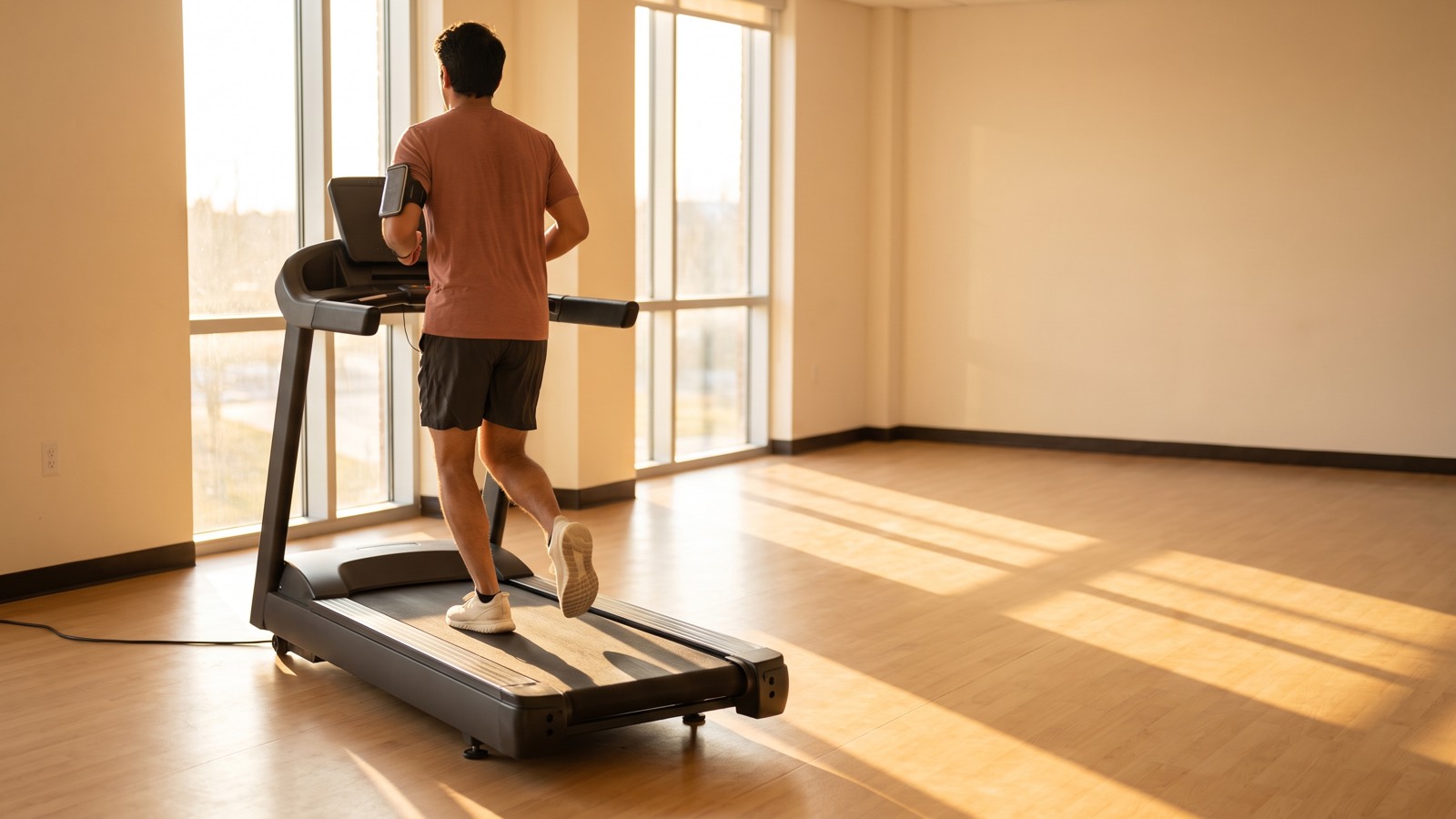
Two numbers, and neither one watched the belt
The distance on the treadmill display is the machine's own account of your run. Nothing on that display gives you a way to confirm the belt really carried you that far.
Nike Run Club's distance comes from somewhere else. The app runs on the phone or watch you carry, not on the belt. Nike says to use indoor tracking on a treadmill, and it publishes no way to calibrate it.
So the gap between the two numbers proves they disagree. It cannot say which one is closer to the truth.
A restaurant host tells you twenty minutes for a table, and the waitlist app on your phone says thirty-five. The host is reading a list at the front door and the app is reading a list of its own, so neither one is looking at the tables. The gap proves somebody has it wrong, and only a look at the room tells you who. On the treadmill, the display is the host, Nike Run Club is the waitlist app, and the belt is the room.
What the number you keep turns into
Whichever number you keep, Nike Run Club builds on it. The Activity tab adds your runs into weekly, monthly, yearly and all-time totals, and it lists your personal bests across distances. Run Levels move you up by total distance, with Green starting at 155 miles and Blue at 621. Custom challenges let friends race each other to a distance, and treadmill runs count toward them.
One month of treadmill runs, logged as 76.0 miles
The 76.0-mile month and the gaps below are made up for illustration. They are not a measurement of Nike Run Club or of any treadmill, and they make no claim that either number is off by these amounts.
| The number you logged | Ground the belt carried you |
|---|---|
| Matches the ground | 76.0 miles |
| 2 percent long | 74.5 miles |
| 3 percent long | 73.8 miles |
| 2 percent short | 77.6 miles |
Each row divides the logged 76.0 miles by 1 plus the gap, rounded to one decimal.
At 3 percent long, the month you logged as 76 miles was about 73.8 miles of ground. Your monthly total and your Run Level progress both rest on 2.2 miles you never covered. If the same gap holds on the same machine, that shortfall grows with each month you log it. A logged number that comes up short does the reverse and undercounts the work you put in.
If you run Nike Run Club on a watch
A watch on your wrist has the same problem. It rides on your arm, so it cannot see the belt either. The guide on what an Apple Watch is doing to get your indoor distance covers the watch's side of it.
Which number to keep
- Choose one source and keep using it. Your weeks then at least compare with each other, even if the total is off.
- Nike Run Club lets you add a run by hand from the Activity tab if you trust the display more. The display's figure was never checked against the belt either, so typing it in moves the doubt from one number to the other.
- Measure the belt at the speed you run most. That gives you a real belt speed for that machine, and you can hold both distances up to it.
If the belt turns out to be off, any adjustment belongs to the machine's manual or a technician. The guide to every way to log a treadmill run on iPhone covers the other routes and says where each one's distance comes from.
Measure the belt under your Nike Run Club runs
Treadwell measures a treadmill belt's true speed using your iPhone's camera and LiDAR sensor. Bring the belt up to your usual Nike Run Club speed while it runs empty. Keep your feet on the floor to one side of the treadmill, point the phone at the moving belt and hold it steady for a few seconds. The miles you keep in the app then have a real belt speed behind them.
The app needs the LiDAR sensor on an iPhone Pro.
 Scan with your iPhone Pro to get the app
Tested: in our tachometer tests the app read within about 2 percent of true belt speed.
Quick answers
Is Nike Run Club accurate on a treadmill? Nike Run Club cannot see the treadmill belt. Its Indoor mode tracks your run from the phone or watch you carry, and Nike does not publish how it works out that distance. The display shows the machine's own number. When the two disagree, measuring the belt gives you a number to set against both.
Why does Nike Run Club show a different distance than my treadmill? The two numbers come from two different places, the device you carry and the machine's display. Neither was checked against the belt, so the gap on its own cannot tell you which side is right.
Should I log the treadmill's distance or Nike Run Club's? Pick one and keep using it, so your weeks compare with each other. The one you keep is the number your Run Level and challenge standing are built on.
Sources.
- Indoor runs: Nike Help, "Can I Use the NRC App to Track Indoor Runs?" (nike.com/help/a/nrc-indoor-run), says to tap the Gear icon in the Run tab, then Indoor/Outdoor, and to use indoor tracking when "Running on a treadmill or indoor track." It says nothing about how an indoor run's distance is worked out.
- Outdoor runs and profile: Nike Help, "How Do I Change My NRC App Settings?" (nike.com/help/a/nrc-settings), says to select Indoor on a treadmill and that NRC uses your device's GPS and accelerometer to track an outside run. It lists height and weight among the profile settings and does not say whether they feed indoor distance.
- What Nike does not publish: none of the eight Nike help pages we read (nrc-indoor-run, nrc-settings, add-run-nrc, nrc-activity, nrc-run-level, nrc-challenges, nrc-speed-run, nrc-gps) says how Indoor mode works out distance, names a sensor for indoor runs, or describes a way to calibrate indoor distance. The word calibrate appears on none of them.
- Adding a run by hand: Nike Help, "Can I Manually Add a Run in the NRC App?" (nike.com/help/a/add-run-nrc): head to the Activity tab, tap the "+" icon, and enter your run details.
- Totals and personal bests: Nike Help, "How Do I View My Run in the NRC App?" (nike.com/help/a/nrc-activity) describes totals by the current week, month, year and all time, and personal bests across different distances.
- Run Levels: Nike Help, "What are Nike Run Levels in the NRC App?" (nike.com/help/a/nrc-run-level) sets levels by total distance, including Green at 250 to 999 km (155 to 620 mi) and Blue at 1,000 to 2,499 km (621 to 1,552 mi).
- Challenges: Nike Help, "What Challenges Are There In the NRC App?" (nike.com/help/a/nrc-challenges) describes custom challenges where friends "battle it out on asphalt, trails, or treadmills," with medals for the top three.
- Made up for illustration: the 76.0-mile month, the three gaps in the table and the restaurant evening. The table arithmetic is ours: the ground covered is the logged number divided by 1 plus the gap.