Guides · Tracking treadmill runs on iPhone
The best way to track treadmill runs on iPhone
You step off the belt after five miles and reach for your phone. Outdoors this part takes care of itself, because your phone knew where you went. Indoors it knows nothing, so whatever app you open has to get that five from somewhere else.
The best way is to measure the belt once, then log with whichever app you already use. Every other method in this guide either estimates from your body's movement or copies the treadmill's own number, so until something checks that belt, your log is worth exactly what that machine is worth.
One question sorts every option
Picking a running app feels like the decision here. It is not. The only thing worth asking about any method is where its distance comes from, and there are just three possible answers.
- From your body. Something counts your steps and multiplies by a stride length it assumes for you.
- From the machine. The treadmill's own figure lands in your app, over Bluetooth or by you typing it in.
- From the belt. Something measures the surface that carried you.
Nearly everything you can install sits in the first two groups. That matters more than any feature list, because the first two both inherit a problem you cannot see from the outside.
Why neither of the usual answers can catch a bad machine
Counting steps is like measuring a room by pacing it out. Walk the wall heel to toe, multiply by the length of your foot, and you get a number that is close if your foot really is the size you think. Your stride is not that steady. It stretches when you speed up and shortens when you tire, and a watch learned yours outdoors, on ground that was not moving under you. That gap is why your watch and your treadmill almost never agree indoors.
Taking the number from the machine has the opposite problem. Nothing is being estimated, so it feels solid. A Bluetooth link is really just the treadmill repeating itself in a nicer font. The display already showed you that number, and now your training history shows it too, with a graph and a personal best attached.
The trap is that the treadmill's number is not a measurement of the belt either. The display shows the speed the machine was told to hit. Underneath, machines that check anything at all watch a part spinning below the deck, never the surface your foot lands on. Here is what a treadmill actually measures.
What that costs you in real miles
I check belts with a handheld contact tachometer, a tool that touches the running surface instead of asking the machine what it thinks.
One gym treadmill read 2.3 miles for a run that was really 2.0. I came back the next day and the same machine read 5.6 against a true 5.0. On both runs I was wearing an Apple Watch, and on both runs it sided with the display rather than catching it. Two devices agreed on a wrong number and nothing in that room could tell. On a different machine I use regularly, the display said 5 miles when I had really run 4. I definitely under-ran my marathon training.
Any app that takes its number from the machine would have written every one of those gaps straight into my training log. None of them would have looked wrong on the way in.
The options, sorted honestly
Here is every realistic way to record an indoor run on an iPhone. The column on the right is the one that matters.
| Method | Where the distance comes from | Can it catch a bad machine? |
|---|---|---|
| iPhone alone, Apple Fitness | No indoor run workout is offered without a watch. | Not offered |
| Strava on iPhone | Not recorded from the phone. Its watch app counts steps instead. | Not offered |
| Runkeeper indoor mode | You type the treadmill's distance in at the end. | No |
| Apple Watch indoor run | Your wrist, times a stride length learned outdoors. | No, it never sees the belt |
| A foot pod on your shoe | Your foot, times a stride length the pod works out. | No, it never sees the belt |
| App connected over Bluetooth | The machine's reported distance. | No |
| Typing it in by hand | The machine's display. | No |
| Measuring the belt | The running surface itself. | Yes |
Three of those rows hand you the treadmill's own figure. Two give you no number at all on a phone. Two estimate from your body. One measures the belt.
None of the companies here are hiding anything. A phone in a cup holder has no honest way to know how far a moving belt carried you, and they say so in their own help pages. A foot pod is a real upgrade if your wrist estimate wanders between runs, because it sits closer to the work. It is still counting your foot, so the belt stays invisible to it too.
What to actually do
- 1Find out what your usual machine is doing, once. One measurement tells you whether its miles are real, and that answer holds for every future run on it.
- 2Then pick any logging method and stay on it. Consistency is what makes your weeks comparable, so switching apps costs you more than picking the wrong one.
- 3Treat a new machine as a new question. Machines are off by their own amounts, so what you learned about yours does not transfer to the one in a hotel.
You can do step one for free. Measure the belt loop, pick a seam, logo or scuff already on it, and count how many times it comes past in a minute. It works, it costs nothing, and it means standing beside a treadmill with a tape measure instead of running. The full method is here.
The faster version of step one
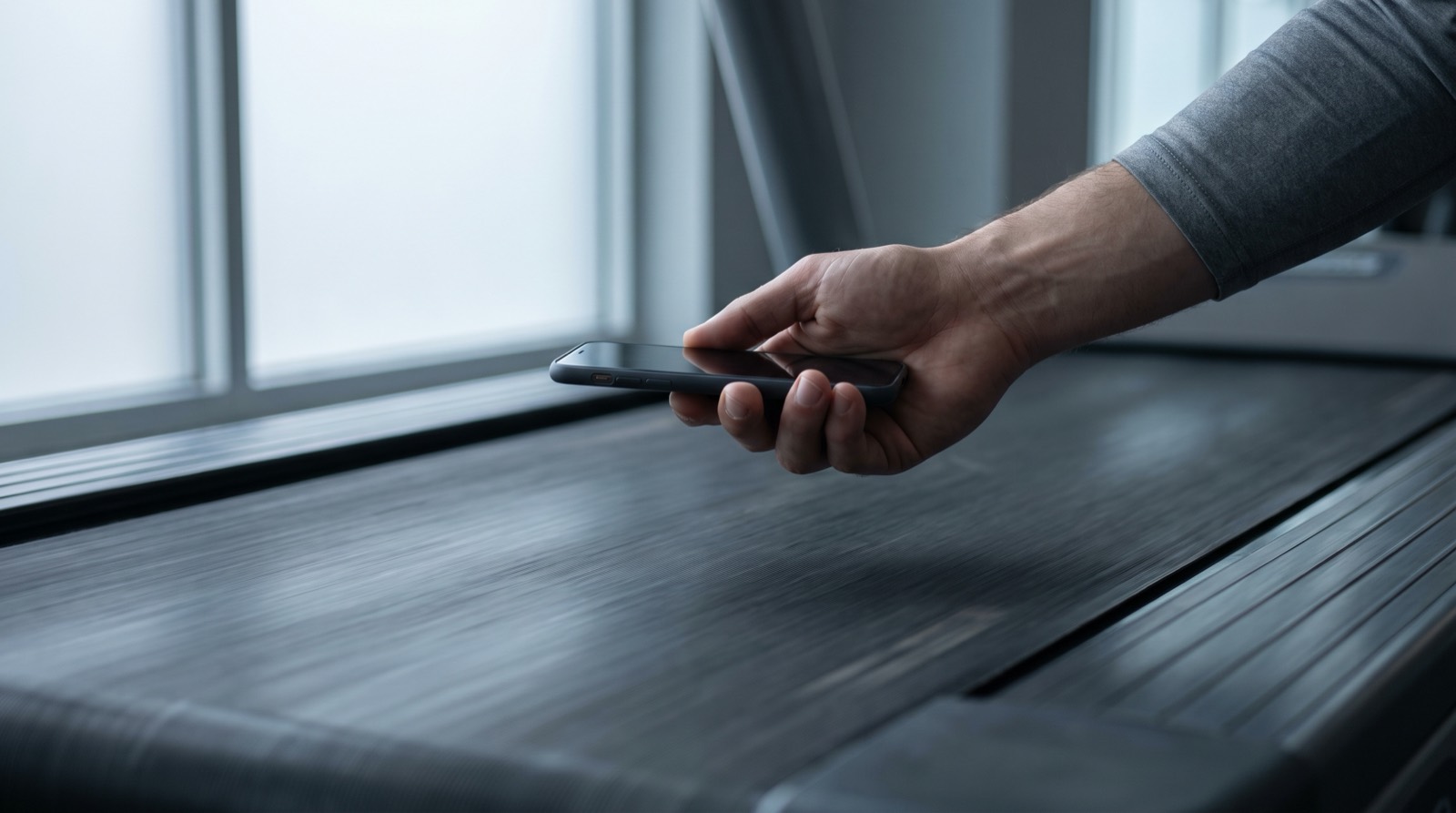
Treadwell reads the belt's true speed through your phone's camera and its LiDAR sensor. You stand beside the machine and hold the phone over the moving belt for a few seconds. It is not reading the display, connecting to the machine, or watching your stride, so it works on a treadmill you have never used before. On a hotel treadmill it had never seen, with nothing set up for that machine, its reading came within half a percent of my tachometer. That figure is how close our reading was, not a verdict on the hotel's display.
It does not ask you to change how you log runs. Measure the machine once, keep the app you already use, and now you know what its miles are worth. When it cannot get a reading it trusts, it says so instead of guessing. You need an iPhone Pro, because that is the phone carrying the LiDAR sensor it measures with.
Find out what your machine is really doing
Measure any treadmill's true speed in seconds, with your iPhone Pro.
Choosing between running apps feels like the decision, and it barely matters. None of them checked the number they wrote down. Check the machine once and every app on your phone gets better at the same time.
Quick answers
Can I track a treadmill run with just my iPhone? Not in Apple's own Fitness app. Every workout an iPhone can record by itself is an outdoor type that leans on GPS, so an indoor run needs an Apple Watch. Other apps let you log the time on the phone and then type the treadmill's distance in yourself.
Does Strava work on a treadmill? Not from the phone alone. Strava does not record indoor runs from a phone's sensors, and points you to its Apple Watch app, which counts steps at your wrist. That gives you an estimate of how far you ran rather than a measurement of the belt.
Is it better to connect my app to the treadmill? Connecting makes the numbers match. It does not make them right. The Bluetooth standard fitness machines use puts the treadmill in charge of reporting distance, so your app receives the machine's own figure instead of checking it.
Do I need an Apple Watch to track treadmill runs? You need one for Apple's own indoor run workout and for Strava's indoor recording. A watch solves the logging problem, because it turns your run into a saved workout with heart rate. It does not solve the accuracy problem, because it estimates from your wrist and never sees the belt.
What is the most accurate way to track a treadmill run on an iPhone? Measure the belt, then log against that number. Every other method on a phone either estimates from your body's movement or repeats the treadmill's own figure, and neither one can tell you whether that machine runs fast or slow.
Sources.
- Every workout type an iPhone can record on its own is an outdoor one, so indoor running needs an Apple Watch. Source: Apple Support, "Start a workout in Fitness on iPhone." Apple revises this list, so check the current page rather than this one.
- Indoor runs cannot be recorded from the mobile app, and the Apple Watch app is named as the exception. Source: Strava Help Center, "Indoor, Treadmill, and Bike Trainer Activities."
- Indoor mode times the run, and distance is added from the treadmill on the save screen. Source: Runkeeper Help, "Tracking indoors on iPhone."
- The distance field is defined as the total distance reported by the machine, with the fitness machine as sender and the phone as receiver. Source: Bluetooth SIG, Fitness Machine Service 1.0 specification (2017).
- The Apple Watch estimates indoor distance from the wrist accelerometer, using a stride length it learned on outdoor GPS runs. Source: Apple Support 105002 and 105048.
- The 2.3 against 2.0 run and the 5.6 against 5.0 run are our own tests on the same gym treadmill, one day apart, each graded against that machine's standing tachometer table rather than a fresh tachometer reading on the day. An Apple Watch was worn on both and agreed with the display both times.
- The 5 miles against 4 is my own run on a machine I use regularly, reported from my own training rather than from a captured test file.
- The hotel treadmill figure is the accuracy of our own reading against a handheld tachometer taken that day, on a machine we had never measured before. It is not a statement about that treadmill's display, which was not part of the test.
- That a sensor mounted under the deck cannot see what the belt surface is doing is our own reasoning from documented sensor placement, not a claim quoted from any manual.