Guides · Runna treadmill pace
Runna treadmill pace: your log leans on the plan, so the belt has to be right
Your Runna plan asks for 30 minutes of tempo at 7.5 mph on the treadmill, and you hold it on a machine Runna cannot fully connect to. The session saves at 8:00 a mile, right where the plan wanted it. Yet it felt harder than last week's tempo, and the distance on the display does not match the one in Runna. So was that pace real?
Your Runna treadmill pace leans on the plan. Without a full connection, Runna works out distance from target pace and time. With full control of the treadmill, it uses the machine's data but counts each step at target speed from its first second. Nothing on the display measures the moving belt, so a belt a few percent off goes unseen.
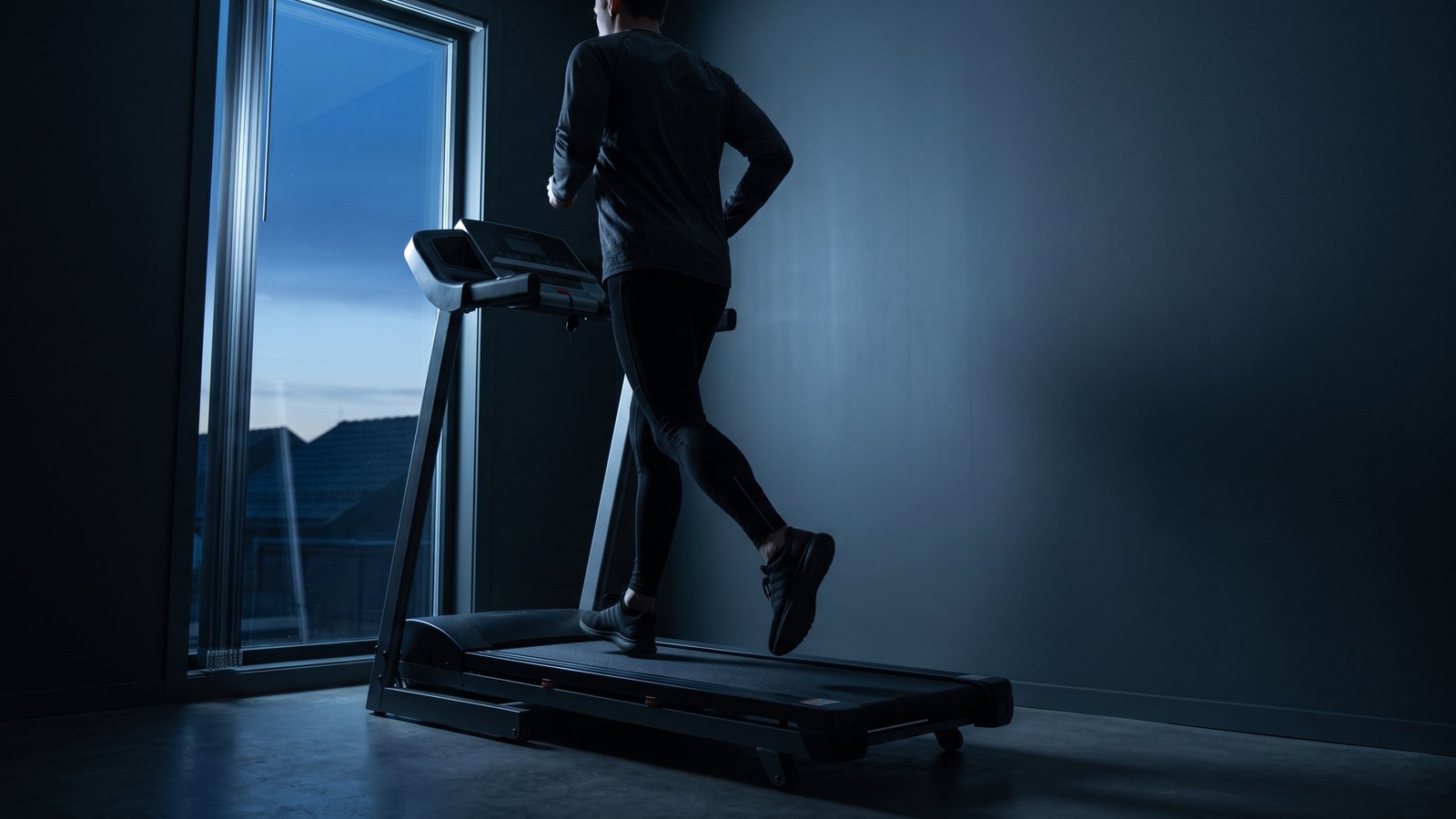
Runna writes down the plan
On a treadmill Runna cannot fully connect to, Runna talks you through each step on your phone while you press the speed and incline buttons yourself. It then works out your distance from the target pace and the time. An hour at a 10 km/h target goes into your log as 10 km.
Runna also uses that planned distance for your average speed. Runna explains that a belt takes a moment to get up to speed, and it does not want that lag to make you look off pace. The guide on what that lag does to short repeats covers the lag in detail.
On a treadmill that Runna can fully control, the path is different. Runna sets the speed and incline itself and uses the machine's data. It also counts each step as run at the target speed from its very first second. Some treadmills pair with Runna but only share data. There you press the buttons yourself, and the app shows the target speed.
Picture a timesheet filled in from the schedule. Your shift says 9 to 5, so the sheet says eight hours, whether or not you were on the floor for all eight. That keeps payroll simple. It also means the sheet can only ever be as true as the shift. Runna's treadmill log works like that sheet, and the belt is the shift nobody clocked.
In both paths Runna's record leans on the target pace, and nothing on the display measures the moving belt.
The part nobody clocked
The speed that gets set is what the machine was asked to run. The display shows you that request for the whole session, and nothing on it checks the moving belt against that request. A lab team checked four treadmills with walkers and runners on the belt. Their average belt speeds ranged from roughly 98 to 103 percent of each setting. So a machine can sit a few percent off and look exactly like one that runs true.
Some sit much further off than that. On a treadmill I train on, the screen once read 5 miles after a run that was truly 4. To see where your own machine might stand, read how to tell if your treadmill is accurate.
What "on target" cost you
Take the tempo from the top: 30 minutes at a set 7.5 mph, which is Runna's 8:00 a mile.
A 30-minute tempo at a set 7.5 mph
Made-up session and made-up belts, both inside the 98 to 103 percent range from that lab check. Our arithmetic.
| What you are looking at | Pace per mile | Miles in 30 minutes |
|---|---|---|
| What Runna logs (treadmill it cannot fully connect to) | 8:00 | 3.75 |
| If the belt ran 2 percent slow | 8:10 | 3.68 |
| If the belt ran 3 percent fast | 7:46 | 3.86 |
If your belt runs like the slow one, your treadmill tempos run 10 seconds a mile easier than the plan wrote them, while the log reads on target. The fast belt does the opposite damage on your easy days. Those runs come out quietly harder than prescribed, and they are the runs meant to stay easy.
Editing the laps copies the machine
After the run, Runna lets you edit a lap's distance, time or pace to match what you ran on the treadmill. If you use it, the obvious figure to type in is what the display showed, since it is the number in front of you. Nothing has checked that display against the belt either. The edit swaps the schedule's figure for the machine's, and the timesheet still has nobody watching the floor.
Adding a watch to a phone recording does not change this. When your phone and watch both record, Runna takes pace and distance from the phone side and heart rate from the watch. If you train with an Apple Watch or a Garmin watch, their own guides explain what each one does indoors.
Check the belt your plan runs on
Your tempo days and easy days likely run on the same treadmill week after week, so that belt decides whether your plan's paces are real. Treadwell reads the belt's true speed with the camera and LiDAR sensor in an iPhone Pro. Run the treadmill at the setting your plan calls for, and you see what the belt actually delivers against the pace the plan wrote down. When you edit a lap afterward, multiply that true speed by the time you ran, and the distance you type in finally comes from the belt.
Read the belt under your Runna plan
Measure the treadmill your plan runs on before your next tempo. You need an iPhone Pro for this, since every reading uses the LiDAR sensor that only the Pro models carry.
 Scan with your iPhone Pro to get the app
Quick answers
Why is my Runna treadmill pace exactly on target? Your Runna treadmill pace leans on the plan. Without a full connection, Runna works out distance from target pace and time. With full control of the treadmill, it uses the machine's data but counts each step at target speed from its first second. Nothing on the display measures the moving belt, so a belt a few percent off goes unseen.
Why is Runna's treadmill distance different from the treadmill's? Runna notes that the distance in its app may not match the treadmill display. It gives two reasons: different devices work out treadmill distance in their own ways, and a belt takes time to speed up and slow down. Neither figure is a check on the belt itself. Your display holds only the speed the machine was asked to run, so a belt that runs a few percent off can go unseen in both numbers.
Does using a Garmin or Apple Watch with Runna change my treadmill pace? Not when your phone is recording too. When the phone and a watch both record, the merged workout takes its treadmill pace and distance from the phone side. The watch adds health data such as heart rate. With an Apple Watch, the watch streams that data to your iPhone during the run, and you can still adjust distance and speed in Runna on the phone afterward.
Sources.
- Runna Support, "How to Record a Treadmill Workout" (updated August 31, 2026), support.runna.com/en/articles/13616950. Manual treadmills, distance estimated from target pace and time (the 10 km/h for 1 hour example), fully controlled treadmills, the note that Runna's distance may not match the display, and editing laps after a run.
- Runna Support, "Processing Treadmill Data" (updated August 30, 2026), support.runna.com/en/articles/7983884. Planned distance used for average speed so belt acceleration does not make you look off pace; on full FTMS treadmills, target speed assumed from the start of each step.
- Runna Support, "Recording a Treadmill Workout with Your Compatible Smartwatch" (updated August 13, 2026), support.runna.com/en/articles/13618448. Merged workouts take treadmill pace and distance from the phone app and health metrics from the watch.
- Runna Support, "Apple Watch Workout Mirroring" (updated September 16, 2026), support.runna.com/en/articles/13620108. The watch streams heart rate, cadence and calories to the iPhone; distance and speed can be adjusted in the phone app afterward.
- Runna Support, "Adjusting Your Training Units" (updated September 16, 2026), support.runna.com/en/articles/6206133. Treadmill speeds shown in mph or km/h by your chosen unit.
- The lab check of four treadmills: Willwacher S. et al., Scientific Reports 11, article 2244 (2021), PMC7838258. With volunteers walking and running on the belts, the four machines' mean belt speeds sat at roughly 98 to 103 percent of target.
- The 5 miles on the display against a true 4: one of my own runs on a treadmill I use, not a lab result.
- Made up for illustration: the 7.5 mph tempo, both belt rows in the table and their arithmetic, and the timesheet comparison.