Guides · Zwift and Peloton treadmill speed
Does Zwift or Peloton know your treadmill's real speed?
You finish a run and every number agrees. The pace on the screen tracked the pace on the machine the whole way, which feels like confirmation until you ask where either number actually came from.
No. Neither platform measures your belt. Zwift shows whatever speed your treadmill, a sensor, a foot pod or your own typing hands it, and Zwift says so itself. Peloton never publishes where its number comes from. If your machine is off, your session is off by the same amount.
The platform is a scoreboard, not a referee
Zwift never generates a speed. It receives one, and all four ways that number can reach it start outside Zwift.
Think about a scoreboard at a track meet. It shows what the timekeeper hands it, in big bright numbers, and it shows it fast. The scoreboard is not lying to you. It is simply not the thing that ran the stopwatch, so it cannot tell you the stopwatch was started late.
Zwift is unusually straight about this. Its own help pages say the speed shown in Zwift always matches the speed on your treadmill exactly, and then add that whether that speed is an accurate measure of how fast you are really running “is another matter”. That is the platform telling you, in writing, that matching the machine and being right are two different things.
Elsewhere Zwift says your avatar moves at the speed you set on the machine, because the value you set is the value that gets sent. Nothing along the way measured it.
Bluetooth carries the number and checks nothing
When a modern treadmill sends its speed to an app, it uses a shared standard so that any machine can talk to any app. That standard defines a field for speed and describes it as the speed of the belt.
The standard names the belt, then hands the machine a blank box and trusts it to fill the box in honestly. It sets no accuracy tolerance, requires no particular sensor, and gives the app on the other end no way to check what arrived.
It works like a form with a box marked “your height”. The form is perfectly clear about what belongs there. Nobody ever gets out a tape measure. A treadmill that has drifted four percent slow is not breaking any rule when it broadcasts its wrong number, and the app receiving it has no grounds to object.
Where the speed in your session comes from
Zwift accepts four sources. Three of them never touch the belt. The fourth is a separate piece of hardware you buy and mount.
| The source | What it actually reads | Carries the machine's error? |
|---|---|---|
| The treadmill, over Bluetooth | The number the machine reports about itself | Yes, completely |
| Typed in by hand | The display you read off the machine | Yes, completely |
| A foot pod on your shoe | Your foot | No, it brings its own error instead |
| A belt speed sensor added to the machine | Reflective markers you stick to the belt | No |
The four sources, and the description of what each one reads, are Zwift's own published list. Zwift itself rates this kind of sensor highly, and it is the only one of the four that looks at the belt.
Peloton does not answer the question at all
Zwift documents this subject at length. Peloton does not touch it.
Its own published definition of speed says how far you would travel in an hour, and stops there. No sensor is named, no accuracy figure is given, and no speed calibration article exists anywhere on its support site.
So nobody outside the company can tell you what sits behind the number on a Tread. Nothing Peloton has published describes anything measuring the belt, and that is all you have to go on.
Plenty of people run Peloton classes on a treadmill Peloton did not make, and that does not change the answer. Either you read your own display and set what the class tells you, or the machine reports itself over Bluetooth. Both start from the machine's own number.
What the gap costs you
Say your belt runs four percent slow. That is a modest drift rather than a broken machine, and an hour at what the screen calls 6:00 pace was really 6:15.
Carry that through a marathon build and every long run in your log is 15 seconds a mile quicker than anything you actually ran, and you covered four percent less ground than it logged. The race pace you picked from those splits is a pace you have never held.
If you race on the platform, a belt running slow hands you an avatar quicker than your legs earned, because the machine reports the speed you set while you run the slower one. A belt running fast makes you pay for every extra stride and credits you with none of them. Nobody in that race is checking, because nothing in the system could check.
The virtual session makes this harder to catch, not easier. Outdoors, a pace that felt wrong could be checked against a route you know. Indoors your screen, your machine and your training log all agree with each other, because all three are downstream of the same original number.
What you can actually do about it
- Add a belt speed sensor to the machine. It is a device you buy and stick to the deck, and it watches reflective markers you place on the belt. It answers the question for that one machine, for as long as the markers stay put.
- Run a foot pod. A pod estimates your speed from your foot, so it is a read on you rather than on the machine. When it disagrees with the machine you learn that something is off, and nothing tells you which of the two is wrong.
- Compare against a route you know outdoors. That checks your fitness, roughly. It cannot isolate the machine, because your effort outdoors is not your effort indoors.
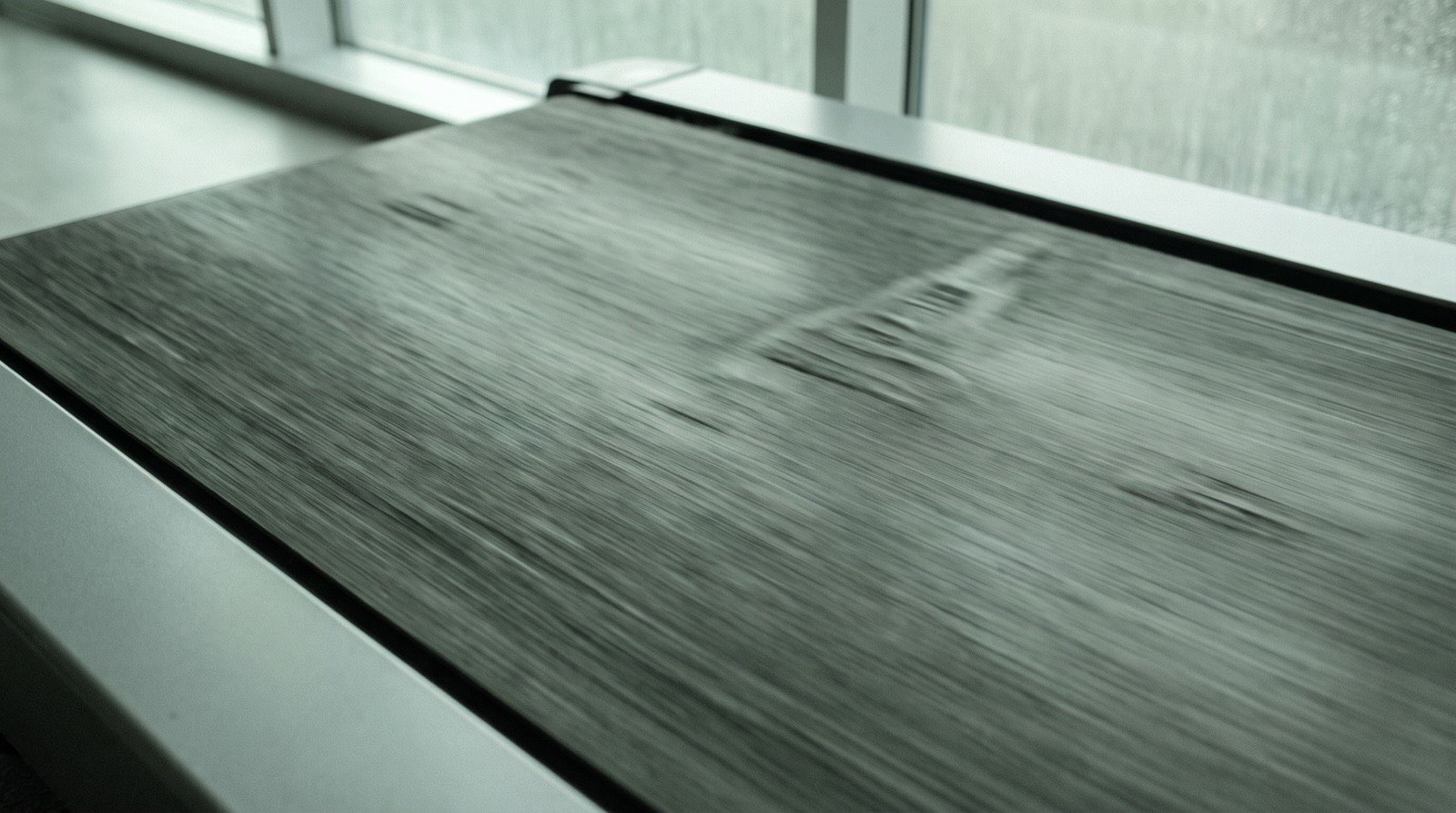
Reading the belt does not have to mean buying hardware. Treadwell does it with the phone in your pocket. You hold an iPhone Pro over the moving belt for a few seconds. Its camera and depth sensor read the surface itself, with nothing stuck to your belt or your machine. Nothing in that number came from the treadmill, so there is nothing for the treadmill to be wrong about.
A sensor left on the machine streams a live number into every session you run, which Treadwell does not do. Treadwell does not talk to your platform and is not trying to. It answers the question sitting underneath this whole page, which is whether the machine you have trained on all year runs the speed it claims. You check it once. After that you know what the number on the screen is really worth, and you can set the machine to the pace you actually wanted. When the read is not clean, the app says so instead of inventing a figure.
On one machine we checked against a handheld tachometer, the belt was doing 2.389 and 3.588 miles per hour at two of its lower settings, and our readings sat within half a percent of the instrument at both. Half a percent is under two seconds a mile at 6:00 pace, next to the fifteen the four percent belt was costing you.
Your session is still worth running. You just get to know what speed it happened at.
Find out what your machine is really doing
The belt's real speed in a few seconds, measured directly. Treadwell needs an iPhone Pro.
Quick answers
Does Zwift know my treadmill's real speed? No. Zwift never measures anything itself. It displays a speed handed to it by your treadmill over Bluetooth, by a foot pod on your shoe, by a sensor added to the machine, or by you typing one in. Zwift says in its own help pages that the speed it shows always matches your treadmill exactly, and that whether that speed is accurate is a separate question.
Where does Zwift get treadmill speed from? From one of four outside sources. A Bluetooth treadmill broadcasts the speed it reports about itself, you enter a speed by hand, a foot pod estimates your speed from your foot, or a belt speed sensor added to the machine reads the belt directly. Every one of those arrives from outside Zwift, so the accuracy of your session is decided before Zwift ever sees the number. Only the belt speed sensor looks at the belt itself, and it does that by reading markers you place on the belt.
Is the speed on a Peloton Tread accurate? There is no published answer. Peloton's own metric glossary defines speed as how far you would travel in an hour and says it is controlled by the knob. It names no sensor, states no accuracy figure, and Peloton publishes no speed calibration article for the Tread. Nobody outside Peloton can tell you more than that.
Does a smart treadmill's Bluetooth connection mean it is calibrated? No. The Bluetooth standard that carries treadmill speed defines the field as the speed of the belt and then leaves the machine to fill it in. It sets no accuracy tolerance, requires no particular sensor, and includes no way to verify what arrives. A machine broadcasting a wrong number is behaving exactly as the standard allows.
Sources.
- That the speed shown in Zwift always matches the treadmill exactly, and that whether it is accurate “is another matter”, is Zwift's own wording in its article comparing smart treadmills with foot pods.
- That Zwift receives a speed rather than measuring one, and that the value you set on the machine is the value transmitted, is from Zwift's article on running speed, accuracy and devices, together with its support page listing compatible running hardware. Those two documents are also the source of the four input sources in the table, and of what each one reads.
- That a belt speed sensor measures the belt, and that Zwift rates this kind of sensor highly among the sources it accepts, is Zwift's own wording in its article on speed, accuracy and devices. Its compatible-hardware support page names a specific optical sensor of this kind.
- That such a sensor mounts to the deck with adhesive and reads reflective markers placed on the belt is the manufacturer's own documented setup, which instructs the owner to place two to three belt sensor stickers on the treadmill belt at least eighteen inches apart. The maker states a factory calibration figure for it. We have not tested one of these sensors ourselves, no independent laboratory check of that figure was found, and we make no accuracy claim about any model.
- The Bluetooth field that carries treadmill speed is defined in the Bluetooth SIG's Fitness Machine Service specification version 1.0, which describes the instantaneous speed field as the instantaneous speed of the belt of the treadmill. The specification sets no accuracy tolerance, names no required sensor and defines no verification step. That absence is the point being made here.
- The Peloton definition of speed, and the absence of any sensor, accuracy figure or Tread speed calibration article, come from Peloton's own Tread and Tread+ metric glossary and support site. Nothing here claims to know how a Tread derives its number, because Peloton has not published it.
- That a foot pod reads the runner rather than the machine, and disagrees with a smart treadmill for that reason, is Zwift's own explanation in the same smart-treadmill article. It matches what pod makers describe their own hardware doing.
- The 2.389 and 3.588 miles per hour are ours, measured with a handheld tachometer on one treadmill's belt. That tachometer read a third setting on the same machine at 5.355 miles per hour, and our comparison there was a figure taken off the app's display rather than a saved capture, so the page cites only the two settings we hold saved readings for. Both of those sat within half a percent of the tachometer. These figures describe the accuracy of our own reading on that machine. They are not a claim about whether that machine's display was right, and they are one machine rather than a range.
- The four percent belt, the 6:00 pace and the 6:15 it really was are an illustrative example, chosen as a typical case. That is arithmetic, not a machine we measured.